


ai
The AI Toolkit for TypeScript. From the creators of Next.js, the AI SDK is a free open-source library for building AI-powered applications and agents
Sign in to rate this tool.
Overview
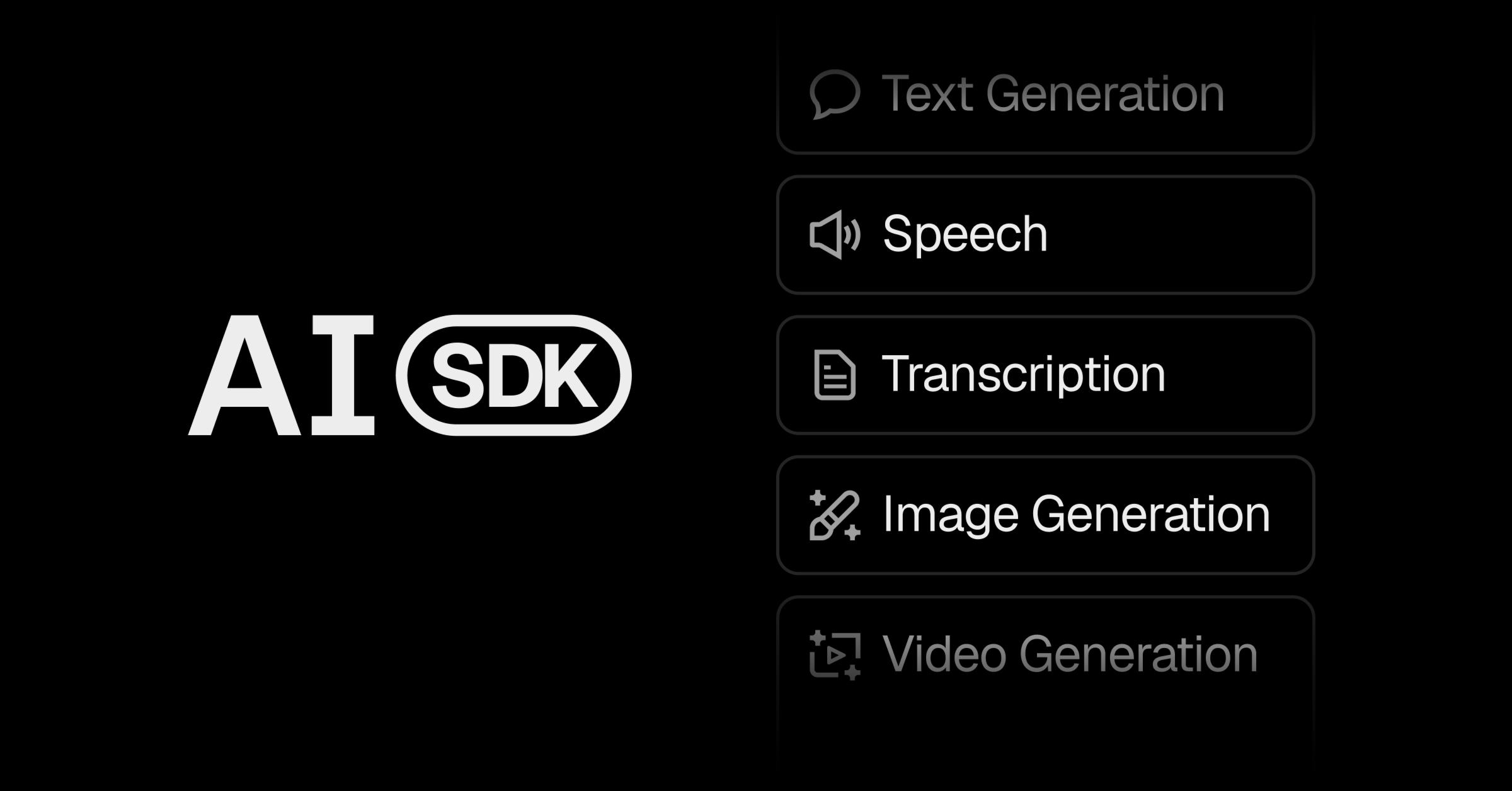
The AI SDK is an open‑source TypeScript library that lets you add generative AI capabilities to web and server projects. It is maintained by the team behind Next.js and runs on Vercel's infrastructure. You install it with a single npm command (`npm i ai`) and then import functions such as `generateText`, `generateImage`, `transcribeSpeech`, or `generateVideo` to call a model and receive the result.
The core API works by accepting a plain JavaScript object that specifies the model identifier, a prompt or other input data, and optional parameters. For text generation you pass a `prompt` string; the function returns an object whose `text` property contains the model's response. The site shows an example that calls `generateText` with the model `spacexai/grok-4.7` and a prompt about quantum entanglement, then logs the returned `text`. Image generation follows the same pattern, taking a textual description and returning a URL or binary image data. Speech transcription expects an audio buffer and returns a transcription string, while video generation accepts a description and returns a video file reference. All calls support modern streaming, so the SDK can deliver partial results as they become available without additional parsing code.
The SDK is deliberately framework‑agnostic. It ships a set of hooks that work with React, Next.js, Vue, Svelte, Angular, Solid, and plain Node.js, allowing you to embed AI‑generated content in UI components or server‑side logic. Multi‑provider support means you can switch from one model host to another by changing a single configuration line; the SDK then routes the request through Vercel AI Gateway, which aggregates more than 100 models behind one endpoint. This eliminates the need to manage separate API keys for each provider. For applications that require long‑running reasoning, the `workflow` package adds resumable streams that can survive function timeouts, and the `@vercel/sandbox` package lets you execute agent‑generated code securely at scale.
The toolkit also includes a UI component library called AI Elements, which provides ready‑made chat and generative interfaces that can be dropped into a project with `npx ai-elements`. The AI Playground on the website demonstrates each generation mode, text, image, speech, video, so you can see the expected inputs and outputs before writing code.
Details
- Pricing
- Free
- Category
- Support
Suggest an edit
Sign in to suggest an edit.
Pros and cons
Pros
- Single npm install gives immediate access to a broad set of generative functions.
- Built‑in streaming and fallback handling reduce the need for custom response parsing.
- Supports more than 100 models through Vercel AI Gateway, avoiding multiple API keys.
- Works across many front‑end frameworks and back‑end runtimes, making it flexible for different stacks.
Cons
- Pricing information is not published; the SDK itself is free but usage costs depend on the chosen model provider.
- Documentation on advanced configuration (e.g., custom fallback strategies) is limited on the site.
- No explicit mention of TypeScript version requirements or compatibility guarantees.
Alternatives
 Gleap IoGleap is a help desk built for software companies, with AI agents that cover support, product and engineering.
 Respond IoRespond.io is a business messaging platform for companies that sell and support customers through chat apps.
 LitellmLiteLLM is an open-source AI gateway and LLM proxy for platform teams.
 OpensilverOpenSilver is an open-source framework for building web applications with C# and XAML, as used by WPF and Silverlight.
 Dhtmlx ChatbotDHTMLX Chatbot is a JavaScript UI widget for building chat interfaces for AI support agents and assistants.
 DynamiqDynamiq is an agentic AI platform for building and running AI agents for back-office automation and customer support, by voice and by chat.
 TavilyTavily is a search engine built for AI agents and large language model applications.
 AdminforthAdminForth is an open-source, self-hosted framework for building back-office and admin panels, released under the MIT license.
 MindstudioMindStudio is a platform for building powerful AI agents for yourself, your team or your enterprise without coding.
 Alian Hub Project Management SystemAlianHub is an open-source project management system that can grow into an ERP.
 SplineSpline is a browser 3D design tool for interactive scenes, with real-time collaboration, AI agents via MCP and publishing to web, iOS and Android.
 AI Webcam Effects For Video MeetingsWebcam Effects is a browser extension that adds AI video effects to your webcam in any browser-based video call or stream.