


Sign in to rate this tool.
Overview
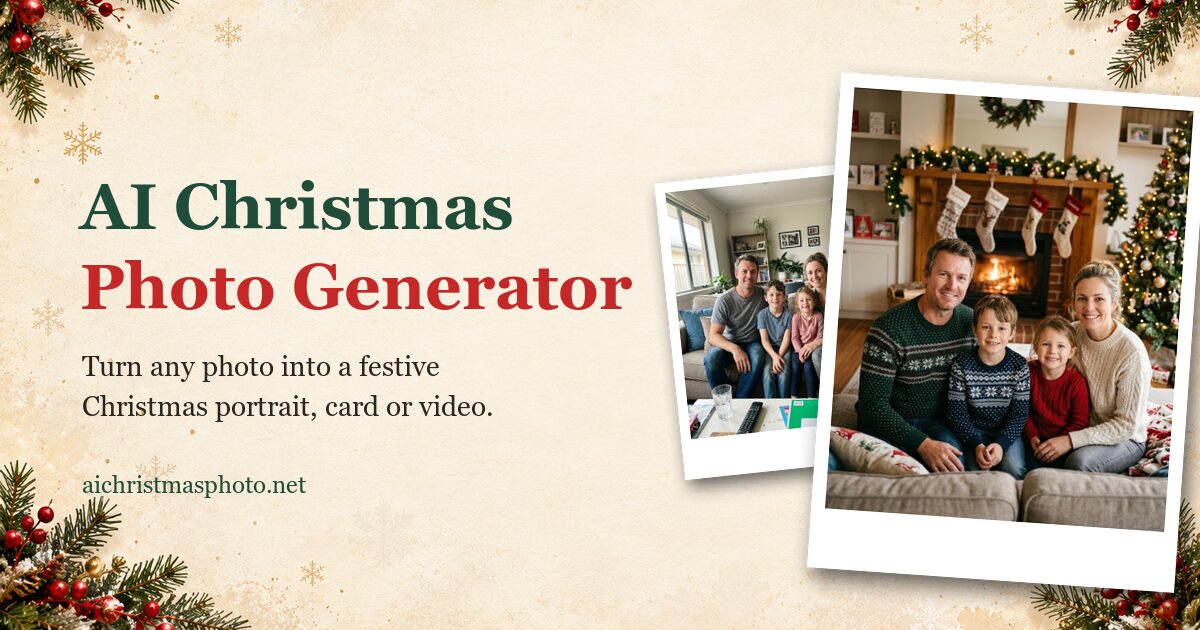
Add Santa to Photo lets you place a realistic Santa Claus into a picture of your own home. You upload a photo of a living room, Christmas tree, kitchen table, front door, or a screenshot from a doorbell or security camera, then choose one of several Santa “moments.” The first photo is free on every device and no sign‑up is required.
The service works by analyzing the lighting, perspective and shadows in your uploaded image and then rendering Santa so he matches the scene. You can pick from nine preset moments such as Santa Leaving Gifts, Santa Eating Cookies, Santa by the Tree, Santa & Reindeer Outside, Santa Waving at the Door, or a night‑vision style “Santa Caught on Camera.” After you select a moment, the AI redraws the picture with Santa integrated, keeping your furniture, decorations and camera angle unchanged. The result can be downloaded as a still image, turned into a holiday card, or animated into a short video clip that shows Santa moving for about five seconds.
The tool is aimed at families who want a visual “proof” of Santa's visit without staging a photo shoot. It also supports doorbell‑cam screenshots, preserving fisheye distortion, night‑vision coloring and timestamps, so the final image retains the look of a security feed. Uploads and generated results are automatically deleted after 24 hours, and the service states it does not use your photos to train its AI. File formats accepted are JPG, PNG or WEBP up to 10 MB. Each added Santa consumes a credit; the site provides five free credits, and additional credits are required for video output (20 credits for a five‑second clip).
Key features
- Upload JPG, PNG or WEBP files up to 10 MB
- Nine selectable Santa moments, including doorbell‑cam style shots
- AI matches lighting, perspective and shadows to your room
- Option to create a short animated clip of Santa's movement
- Automatic deletion of uploads and results after 24 hours
- No account creation needed for the first free photo
Details
- Pricing
- Freemium
- Category
- Image
Suggest an edit
Sign in to suggest an edit.
Pros and cons
Pros
- Keeps original room layout, lighting and angle intact
- Works with both indoor photos and doorbell‑camera screenshots
- Free first photo and five free credits for new users
- Privacy‑focused deletion policy after 24 hours
Cons
- Requires credits for additional photos or video clips, pricing not listed
- No example of real customer photos; all showcase images are AI‑generated
- Limited to the predefined Santa moments; custom poses are not available
Alternatives
 Spacely AISpacely AI is an AI interior design and rendering tool for designers, architects and homeowners.
 AI ShotsAI Shots is an AI headshot service that creates professional-style portraits from photos you already have.
 Cleanup.picturesCleanup.pictures removes unwanted objects, people, text and defects from photos in the browser, free at 720px or full resolution with Pro.
 Rescape AIRescape AI is an AI garden and landscape design tool.
 AI Photo EditorAI Photo Editor is a browser-based tool that edits photos from a written prompt.
 Scribble To ArtSketch To Image is a web tool that turns sketches into finished images with AI.
 Fluxai Art Free AI Image GeneratorFluxAI.art is an online AI image generation and editing site that brings several models together.
 AI Profile Picture MakerPFP Maker is an online AI tool for creating profile pictures.
 Passport MakerPassport Maker is an online tool that creates passport, visa and ID photos from a picture taken at home.
 ArtblastaiArtBlast AI is a web platform for creating art with AI.
 Image Translator Manga TranslatorTranslateImg is an online AI image translator.
 Image to Claymation AI GeneratorImage to Claymation is an online tool that converts an ordinary photo into an image that looks sculpted from modelling clay.