


ai-shifu
Get AI to teach and answer questions for you - just by typing!
Sign in to rate this tool.
Overview
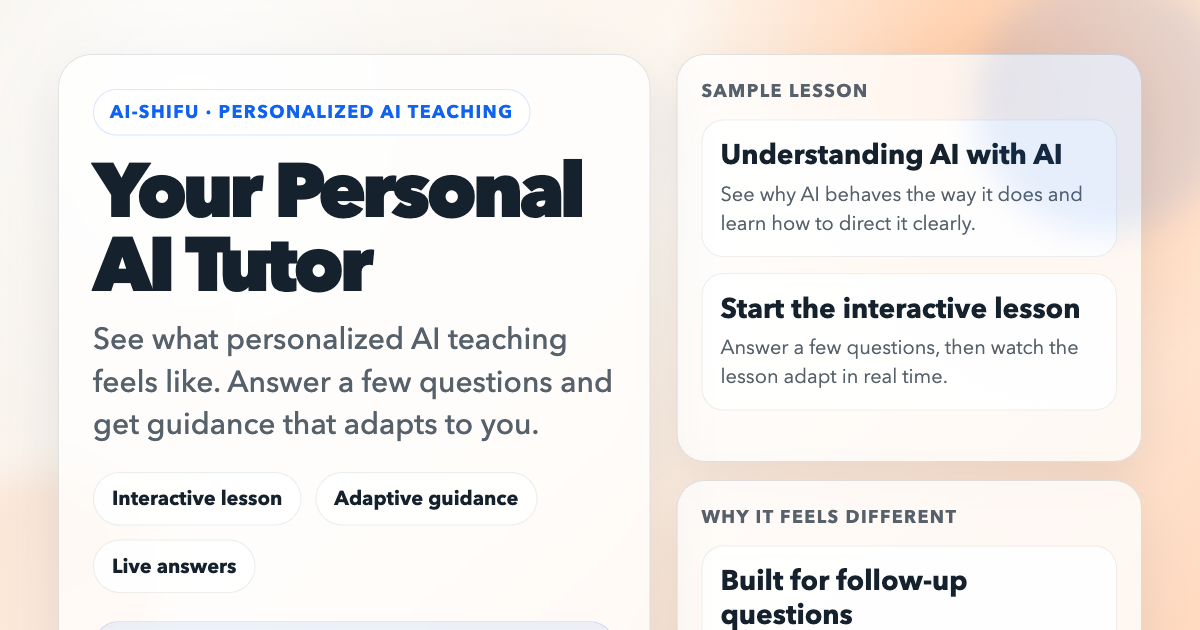
AI‑Shifu calls itself a personal AI tutor that lets you type questions and receive customized explanations. A very simple interface appears on the homepage: a chat box where you first answer a few starter questions. The system then adapts its guidance to you based on those answers.
When you click “Start the interactive lesson,” the bot asks for basic details such as what you already know, what you want to learn, and how fast you prefer to move. These are plain text inputs. After you submit, the tutor selects a theme, usually centered around “Understanding AI,” “Why AI behaves the way it does,” or “How to give AI clear direction.” It then presents explanation blocks in a conversational style. If you feel confused, you can type a follow‑up question, and AI‑Shifu will re‑frame the next explanation accordingly. The tool explicitly states that users can ask questions whenever they are “confused” instead of pretending to understand; the tutor will adjust the next step.
The design targets learners who want flexible, on‑demand help. It is useful for people who dislike traditional online courses because the tutor can fit around their day. The experience “feels less like studying and more like getting support when I need it,” according to several quoted reviews. This suggests that the platform is geared more toward guidance than formal assessment. It is available directly in a browser, so you can use it on a PC, tablet, or phone without installation. No sign‑up is required to start a session.
AI‑Shifu does not provide any information about session length, limits, or any commercial package details. The site lists an email address for support, but no pricing or usage policy is shown. The tool's founder is a former associate professor, which hints at an academic focus, but the description does not detail the exact depth of topics covered.
Key features
- Lightweight web‑only chat interface that starts with background questions
- Adaptive lesson flow that changes after each user response
- Real‑time clarification prompts for anything you find confusing
- No account needed to begin a session
- Focus on AI topics such as behavior explanations, skill building for AI interaction, and personal guidance
Details
- Pricing
- Free
Suggest an edit
Sign in to suggest an edit.
Pros and cons
Pros
- Provides personalized guidance based on simple initial inputs
- Immediate follow‑up answers keep the flow continuous
- Flexible pacing allows learners to sync with their own schedule
- Browser‑based, no download or sign‑up is mandatory
Cons
- Usage limits, session durations, or pricing are not disclosed
- No evidence of assessment or certification options
- The listing does not state whether the tool supports multiple languages or non‑English input
Alternatives
 Gauthmath ComGauth, formerly known as Gauthmath, is an AI homework helper for students.
 AI Math Solver By Gpt 4o Free OnlineMyMathSolver.ai is an online AI math solver.
 Golinks Search Powered By ChatgptIf ai recruiting tasks are part of your routine, Golinks Search Powered By Chatgpt is worth testing against your own use cases. Their website, golinks.io, has the full details. The...
 Quizbot AIQuizbot.ai is an AI quiz and question generator.
 Talkpal AITalkpal is an AI language learning app that acts as a personal language coach.
 Visor AIVisor.ai is an agentic AI platform for enterprise customer service.
 Lucida AILucida AI is a language learning app built around one principle: speaking a language out loud, again and again.
 HumataHumata answers questions across your team's documents with highlighted citations, permission controls and per-page pricing.
 Quills AIQuills AI is a generative business intelligence assistant.
 CustomgptCustomGPT.ai lets businesses build custom AI assistants and agents from their own content without writing code.
 Tutor LilyTutor Lily is an AI language tutor focused on speaking and conversation practice.
 Chat University V1Chat University is an all-in-one dashboard for students applying to UK universities through UCAS.