


APPLORE
APPLORE is an app icon inspiration library of 18,000+ real App Store and Google Play icons, browsable by color, style and category, with every past version kept when an app…
Sign in to rate this tool.
Overview
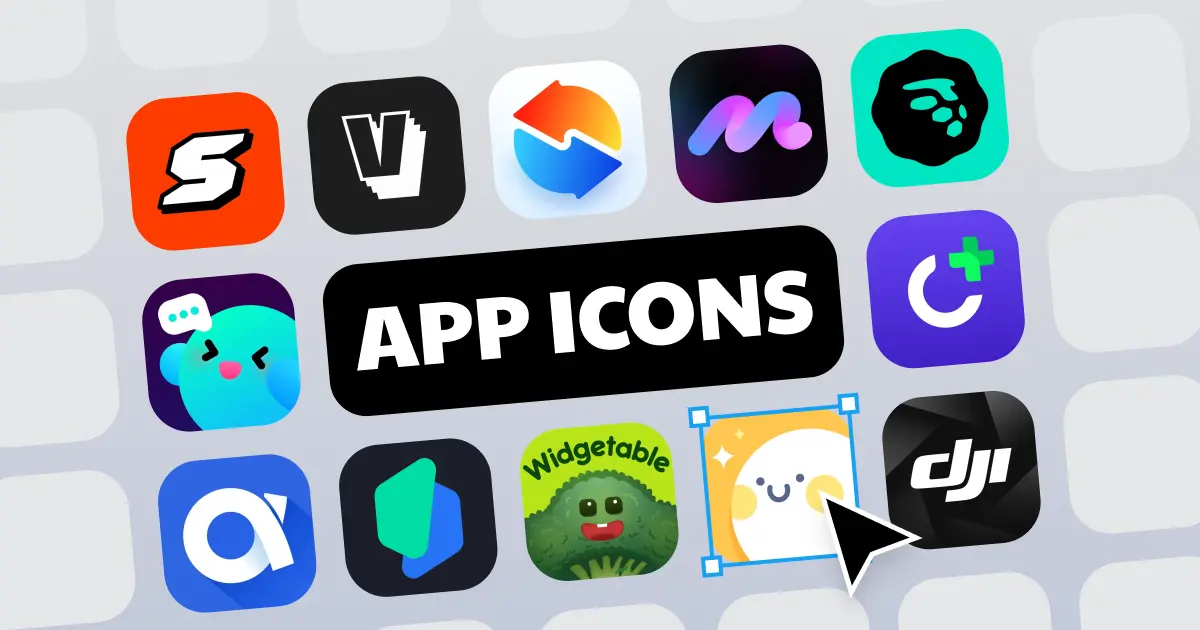
APPLORE is an app icon inspiration library paired with an AI icon generator. It collects real icons from the App Store and Google Play, more than 18,700 at the time of checking and updated daily, and sorts them by category, colour, style, letter and release date, with each app's past redesigns kept on record. Once you have a direction, its AI tools help you generate, preview and export your own icon.
The icon library
You can browse by App Store category (Lifestyle, Utilities, Productivity, Finance, Health and Fitness and more), by main colour, or by style, from flat and typographic to 3D, gradient, glass, clay, neon, skeuomorphic and pixel. A letter index shows apps whose icon is a single letter, which is handy before designing a letter logo, and a date view shows what new designs came out each month. You can also search in plain language with AI, for example "a blue glassy budgeting app". Beyond icons, APPLORE has hand-picked store screenshots with history and an "App Graveyard" of apps removed from the stores.
Creation tools
- AI icon generator: describe your app, pick a reference icon or style and get a ready-to-use icon.
- SVG vector logo: AI redraws an image as a clean vector with fewer anchor points; a free in-browser PNG-to-SVG converter is also offered.
- AI logo animation: animates your logo and exports Lottie for an app launch screen or an SVG animation for the web.
- Export packs: one image turned into every size iOS, macOS, Android and the web need, zipped.
- Device preview: see the icon on an iPhone or Android home screen and a store page.
- AI naming: suggests app names and checks for existing apps.
The site also publishes data-driven guides, such as a study of colours used by 18,410 real icons and a six-step guide to making an app icon.
Pricing
From the pricing page, checked October 2026:
- Free: 25 credits on sign-up, the first 300 icons in each list, 5 PNG downloads and 5 AI searches a day.
- Pro: $9.99/month launch price, 500 credits a month (about 100 AI icons), full library, SVG export and every AI model.
- Max: $29.99/month launch price, 2,000 credits a month and a priority queue.
- Founder: $49 one time for lifetime library access and non-AI tools plus 800 AI credits, limited to the first 300 members.
Yearly billing saves up to 33%. Credits are only used by AI features.
Who it suits
Indie developers, app designers and studios who want to research what competitors' icons look like and produce a finished, correctly sized icon in one place.
Pros: large, well-organised library of real icons; covers research through export; one-time Founder option.
Cons: free tier only shows part of each list; AI output still needs a designer's eye; launch prices may change.
Details
- Pricing
- Freemium · from Free to start; Pro $9.99/mo
- Billing
- monthly
- Last checked
- 11h ago
- Indexing
- index, follow
- Category
- Design
Suggest an edit
Sign in to suggest an edit.
Alternatives
 HuehiveThe tool is free, which keeps the barrier to entry low. You can try it before deciding whether it earns a permanent place in your workflow. Built for ai analytics...
 RecraftRecraft is an AI design tool that generates true editable vector graphics, builds custom styles from your images and offers Free, Basic, Pro and Teams plans.
 Interior Decorator AIIt is a practical choice for ai coding work, and the honest way to evaluate it is to give it a spin. Start at interiordecorator.ai for the latest information. For...
 Lovspark AITypical use cases for tools in the ai design category include content creation, workflow support, and...
 Mia PrmA few standout features include quick presets, template support, export in common formats, and the ability to keep recurring projects organized in one place. The design favors clarity over decoration....
 The New BlackBefore you decide, skip the speculation and look at the source. thenewblack.ai shows exactly what The New Black does today and how to get started with it. Plenty of detail...
 EraserEraser is a ai image generation assistant that focuses on one thing: making the work easier. It skips unnecessary clutter and gets straight to useful output. Rather than chasing every...
 Microsoft DesignerMicrosoft Designer is a free AI design app for images, cards, invitations and social posts, with monthly AI credits and more credits on Microsoft 365 plans.
 AI FrameThe whole experience is built around finishing things. From the first run onward, you are guided toward complete, usable results rather than half-finished experiments. For a straightforward look at an...
 Mood Board AIMood Board AI is a focused ai image generation solution that answers a clear need. You can see what it does within minutes of opening the page. Before you decide,...
 OksuroYou will find a free plan, making it easy to test the tool against your own needs first. The practical way to judge it is to use it. What stands...
 Colorway AIYou will find a free plan, making it easy to test the tool against your own needs first. The practical way to judge it is to use it. A few...
Pricing
- Pricing model: Freemium
- Starting price: Free to start; Pro $9.99/mo
- Billing: monthly
Pros and cons
Pros
- large, well-organised library of real icons
- covers research through export
- one-time Founder option
Cons
- free tier only shows part of each list
- AI output still needs a designer's eye
- launch prices may change
Checked 2026-10-22.