

code-graph-rag
The ultimate RAG for your monorepo. Query, understand, and edit multi-language codebases with the power of AI and knowledge graphs
Sign in to rate this tool.
Overview
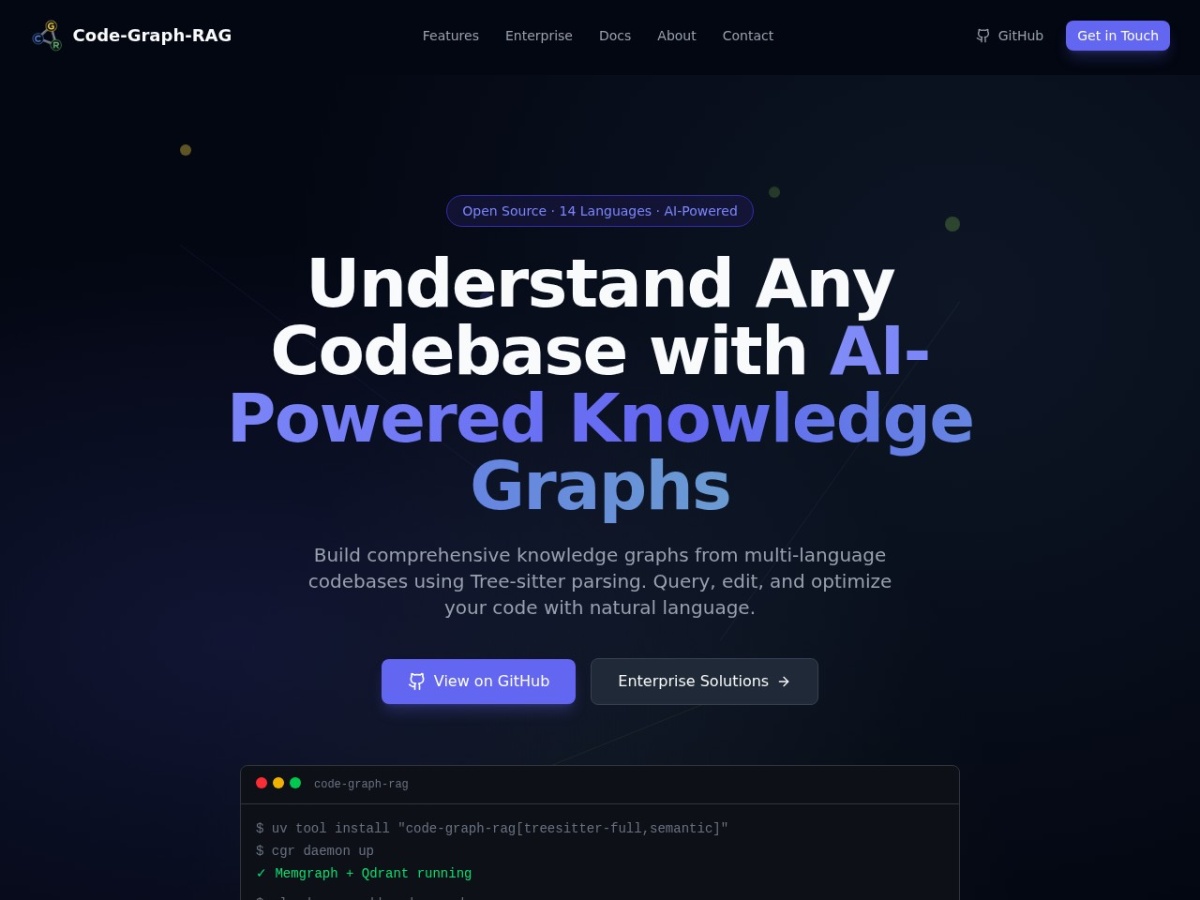
Code‑Graph‑RAG is a command‑line utility for building and interrogating a knowledge graph from a multi‑language codebase. It uses Tree‑sitter to parse source files into an abstract syntax tree, then stores the resulting graph in Memgraph. The AI agent translates plain‑English prompts into Cypher queries that run against that graph, enabling you to ask questions such as “Which functions handle authentication?” and instantly receive a list of file paths, function names and line numbers. The output is a concise, machine‑readable list that can be copied into a report or entered into a version control diff.
The tool is especially useful for developers who need an overview of a codebase that spans several languages. It is not intended for simple single‑file scripts or for repositories that use custom, non‑Tree‑sitter grammars unless you supply the pattern files yourself. If your project lives entirely in a language with a quality Tree‑sitter grammar, such as Python, JavaScript, Rust, Java, C#, or Go, then you can rely on the unified graph schema that treats all entities the same way and supports cross‑lingual queries.
Editing is performed on the graph nodes: you can target a specific function, verify its definition line number and provide a code snippet to replace the body. The replacement is validated against the AST, then a visual diff preview is shown before the change is committed. This means the tool does not merely perform textual substitutions; it respects scopes, imports and language syntax. For larger refactors the tooling integrates with `ast‑grep` to locate pattern‑based matches and perform structure‑aware find‑and‑replace across the entire repository. It does not, however, support regular expression searches on raw file content.
Data‑flow tracing builds FLOWS_TO edges that connect assignments, function calls and returns to I/O sinks, giving you end‑to‑end provenance. Dead‑code detection walks reference edges from defined entry points and marks unreachable functions; the output can be integrated into CI pipelines with a failure mode that asserts no uncovered functions exist. These static analyses are available for all 14 built‑in languages and can be extended with custom grammars if you add a single ast‑grep pattern file.
In a typical workflow you first run `cgr daemon up` to start Memgraph and Qdrant, optionally provisioning them for an on‑prem or air‑gapped environment.
Details
- Pricing
- Free
- Category
- Code
Suggest an edit
Sign in to suggest an edit.
Pros and cons
Pros
- Unified graph schema simplifies cross‑language queries
- Precision editing preserves syntactic correctness
- AI agent reduces manual query construction
- Integration with Claude MCP exposes IDE‑level tooling
Cons
- Requires Memgraph and Qdrant to be installed
- No pricing or licensing information disclosed
- Limited documentation on adding new language grammars
- Setup steps involve multiple CLI commands and dependency installation.
Alternatives
 Navamai Enhance Your Craft With AINavamAI is an open-source command-line tool that turns your terminal into a personal AI assistant.
 CursorCursor review (October 2026): AI-first code editor with agents, verified Hobby, Pro, Pro+, Ultra and Teams pricing, privacy mode, pros and cons.
 WarpWarp pairs a modern terminal with coding agents and cloud agent fleets, with usage included at API rates on its Build, Max and Business plans.
 ReplitReplit is a browser-based builder where an AI Agent writes, hosts and publishes full apps from a plain-language description, with database and auth built in.
 Js2tsJS2TS is a free online tool that converts JavaScript code into TypeScript using AI.
 CosineCosine describes itself as a sovereign AI lab.
 QodoQodo (formerly CodiumAI) reviews pull requests with multiple AI agents that learn your team's rules, check cross-repo impact and map your services.
 OpensilverOpenSilver is an open-source framework for building web applications with C# and XAML, as used by WPF and Silverlight.
 CerebriumCerebrium is a serverless infrastructure platform for real-time AI workloads.
 ClineCline is an open-source coding agent for VS Code, the terminal, desktop and cloud that works with your choice of model provider and your own API keys.
 AgentqlAgentQL is a set of developer tools for connecting AI agents and large language models to live websites.
 CruderraCruderra is a tool that reads your code repositories and generates documentation and architecture diagrams automatically.