


Sign in to rate this tool.
Overview
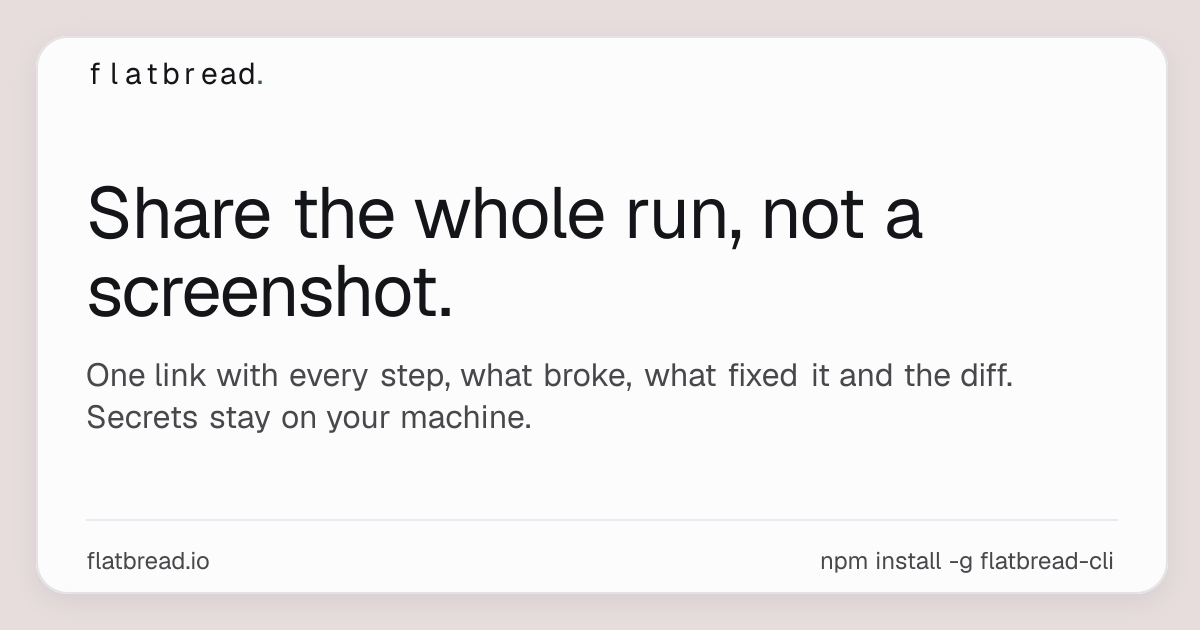
Flatbread is a compact utility that transforms a conversation with an assistant such as Claude Code, Codex, Cursor, Google Antigravity, OpenCode, Gemini CLI, GitHub Copilot CLI, or Cline into a single shareable URL. Rather than posting a static screenshot, Flatbread captures every prompt, every automatic step, every failure and its resolution, and the diff of code changes.
The workflow is simple. In your agent's chat, you paste the installation snippet that the site provides. Flatbread uses the instructions at https://flatbread.io/install.md to copy the script to your environment and runs a lightweight setup. The setup defines a command that you can invoke later as “share this run.” When triggered, the tool aggregates the run log: the original user prompt, each sub‑prompt the agent generated, the concrete outputs, any leadin. Failures, the patch or code that repaired them, and a unified diff that shows what changed. Before anything leaves your machine, you review the single HTML page that Flatbread creates. All secret tokens remain stored locally; nothing is uploaded automatically. After you approve, a URL is generated that points to the page hosted by Flatbread. The link can be opened by anyone, or copied into another agent that can call “pull this run” and resume from where the original run finished.
Flatbread is best for developers or teams that rely on automated agents to iterate on code. The ability to share a full run rather than a snapshot is useful when troubleshooting subtle bugs that only appear after a series of steps. Teams can benefit from a shared history that reveals common mistakes; if two agents ran into the same failure, the next agent will stop before repeating it. A downside is that the listing does not disclose any pricing or subscription structure, nor does it describe limits on run length or number of runs that can be stored.
If your workflow centers on single‑session debugging or you only need one‑off code snippets, Flatbread may feel like an extra step. It also does not automatically connect to external issue trackers or CI/CD pipelines, so integration requires manual steps.
Key features
- Converts a conversational run into a single URL
- Captures prompts, steps, failures, fixes, and diffs in one page
- Requires manual review before data leaves the machine
- Keeps secrets on the local system
Details
- Pricing
- Free
- Category
- Code
Suggest an edit
Sign in to suggest an edit.
Pros and cons
Pros
- Full run visibility without exposing local secrets
- One‑line installation and setup
- Held in a single shareable page
- Team feature helps reduce duplicate errors
Cons
- No pricing or plan details disclosed
- Review step required before upload
- No native integration with issue trackers or CI/CD systems
Alternatives
 GitHub CopilotGitHub Copilot review (October 2026): AI coding assistant in your editor and on GitHub, verified Free, Pro, Pro+ and Max plans and AI Credits explained.
 QodoQodo (formerly CodiumAI) reviews pull requests with multiple AI agents that learn your team's rules, check cross-repo impact and map your services.
 CursorCursor review (October 2026): AI-first code editor with agents, verified Hobby, Pro, Pro+, Ultra and Teams pricing, privacy mode, pros and cons.
 WarpWarp pairs a modern terminal with coding agents and cloud agent fleets, with usage included at API rates on its Build, Max and Business plans.
 ClineCline is an open-source coding agent for VS Code, the terminal, desktop and cloud that works with your choice of model provider and your own API keys.
 ImagekitImageKit.io is a media lifecycle platform for websites and apps.
 Respond IoRespond.io is a business messaging platform for companies that sell and support customers through chat apps.
 Dhtmlx ChatbotDHTMLX Chatbot is a JavaScript UI widget for building chat interfaces for AI support agents and assistants.
 Kilo AIKilo, also known as Kilo Code, is an open-source AI coding agent.
 ChatboxChatbox AI is a chat client that gives access to many leading AI models in one app.
 Js2tsJS2TS is a free online tool that converts JavaScript code into TypeScript using AI.
 Navamai Enhance Your Craft With AINavamAI is an open-source command-line tool that turns your terminal into a personal AI assistant.