


Sign in to rate this tool.
Overview
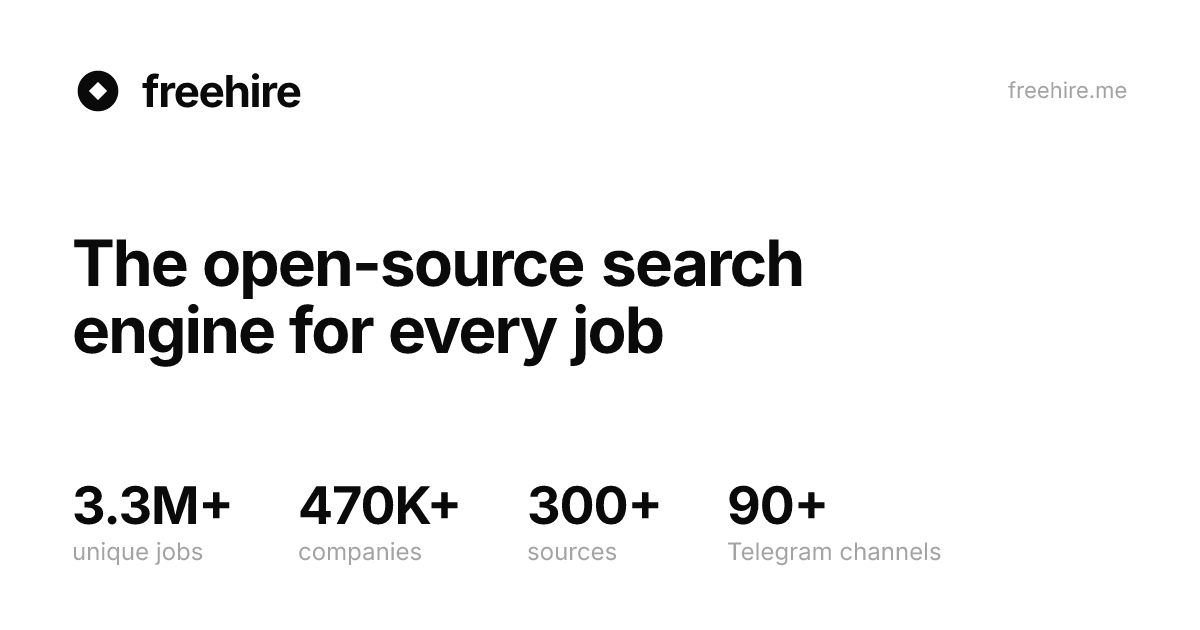
Freehire is an open‑source search engine that pulls over three million tech‑industry job listings directly from company career pages. Each listing is automatically deduplicated and tagged with stack, seniority, and location information. The platform is free to use, with no login or subscription required, and the source code is publicly available on GitHub, allowing anyone to host a private instance or contribute to the project.
The service provides three primary ways to interact with the data. First, the web interface lets you browse the entire catalogue. Selecting “Browse the whole catalogue” loads an interactive page that displays current totals: 4,453,627 unique jobs, 687,387 distinct sources, 405 applicant tracking systems, and 166 company names. You can filter by stack, seniority, or location and click any result to open the original posting. The interface records a view‑count for each job; a quick mouse‑over or hover sends a prefetch request that logs the view, whereas a tap or click sends a “real intent” request that begins processing within 100 ms.
Second, freehire offers a lightweight command‑line binary. After running the installer script ( `curl -fsSL https://freehire.me/install.sh | sh` ), the binary can perform a search against the live API and output JSON. The binary is written in Go, but no Go runtime is required on the host because the compiled binary is self‑contained. Typical usage is a single command like `freehire search --location "New York" --stack "React"` that returns a list of matching jobs with stack, seniority, and location tags. The API endpoint is public, but the page does not state any rate limits or authentication requirements, leaving it unclear whether heavy usage is permitted.
Third, a Chrome extension lets you work directly on any job‑posting page, even those not indexed by freehire. When you open an application page, the extension reads the page's DOM, compares the posted requirements to your CV (the user must supply a CV file), and can auto‑populate the form fields. A button in the sidebar allows you to submit the application directly from the browser. This feature is beneficial for users who want an integrated workflow, but it requires a modern Chrome browser and an existing CV in the supported format. The extension is not advertised as available for other browsers.
Details
- Pricing
- Free
- Category
- Job
Suggest an edit
Sign in to suggest an edit.
Pros and cons
Pros
- Completely free and no account needed
- Open‑source code enables self‑hosting
- Comprehensive search across many companies
- Extension automates form submission
- Binary supports scriptable workflows
Cons
- No published pricing or commercial licensing details
- Only tech jobs are indexed
- Extension limited to Chrome and requires a CV
- Update cadence and API limits are not described
Alternatives
 SimplifySimplify is an AI job search platform.
 LiftmycvLiftmyCV is an AI job search platform with role matching, tailored resumes and cover letters, auto-applications and tracking.
 Interview Prep AIInterview Prep AI is an app that simulates job interviews so you can practise before the real one.
 Iprep AIiPrep.Ai is an AI interview preparation platform for job seekers.
 Final Round AIFinal Round AI makes Interview CoPilot, an AI interview assistant for macOS and Windows.
 EarlybirdInstant Upwork job alerts and AI proposal generation for faster gig acquisition.
 TavilyTavily is a search engine built for AI agents and large language model applications.
 Content Flash AIContentFlash AI is an AI form builder.
 DeepSeekDeepSeek is a China-based AI lab with a chat assistant (no advertised subscription) and a low-cost developer API offering a reasoning mode and a 1M-token context window.
 Cover Letter CopilotCover Letter Copilot is an AI tool that writes cover letters for job applications.
 RaindropRaindrop is a monitoring and debugging platform for teams that ship AI agents.
 123rf AI Search Engine123RF is a long-running stock content marketplace that combines a large library of licensed media with a suite of AI creative tools.