


kordoc
모두 파싱해버리겠다 — HWP·HWPX·PDF·Office 문서를 Markdown으로. 양식 자동 채우기와 신구대조를 갖춘 CLI·MCP 서버 | Convert Korean documents (HWP, HWPX, PDF, Office) to Markdown — CLI and MCP se
Sign in to rate this tool.
Overview
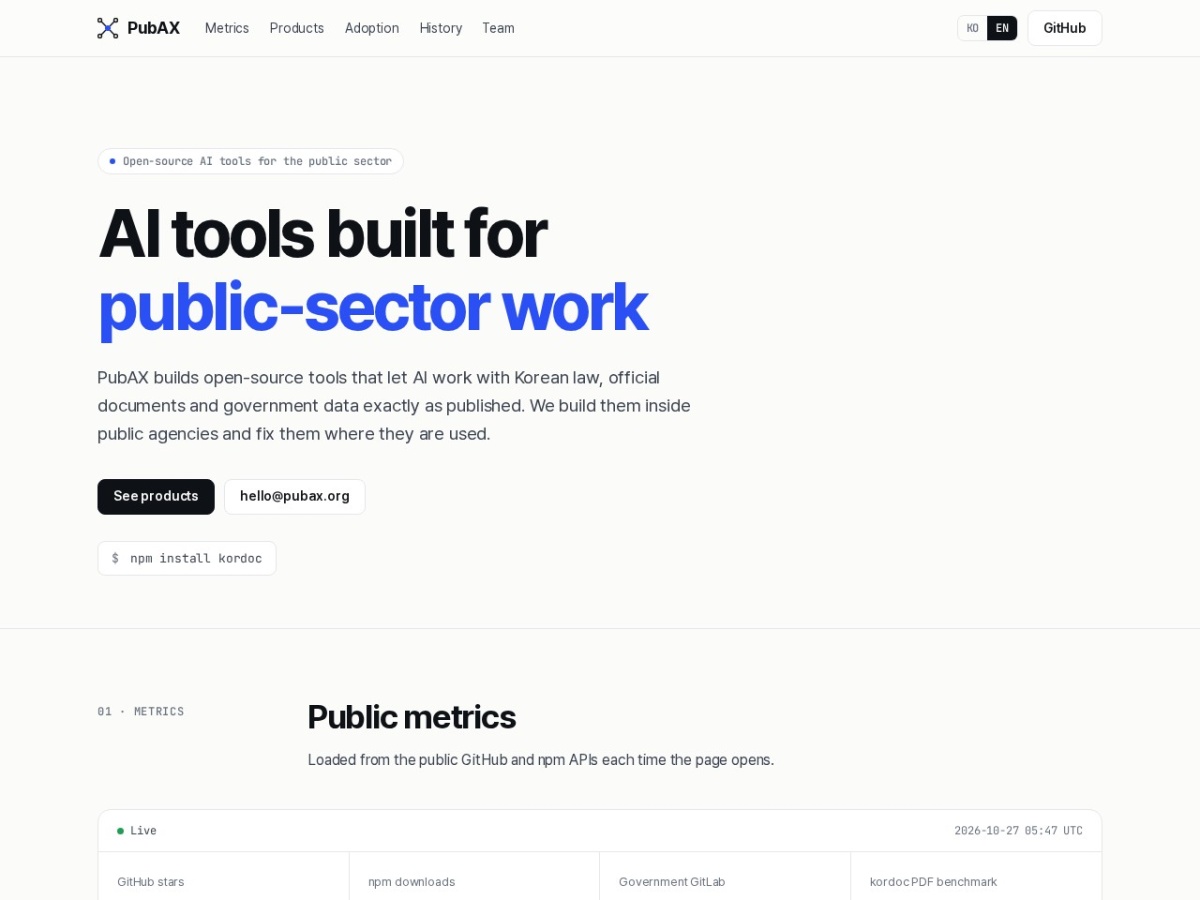
PubAX offers a set of open‑source AI tools for the public sector, built so the AI can read Korean legal, official and government documents exactly as they are published. The central product, kordoc, is shipped as an npm package that can run either as a command‑line interface or as an MCP (minimal container‑provisioning) server. Once installed with `npm install kordoc`, each invocation can take a single file or a folder of files and outputs Markdown files that retain the original formatting. The Markdown includes a structure that can later be queried or passed to other AI assistance tools.
Kordoc accepts Korean documents in many native formats: HWP 3.x and 5.x, HWPX, PDF, XLSX, DOCX, PPTX, and raster images. For instance, a user holds a batch of 200 government PDF reports; running `kordoc --input reports.zip` produces a `reports.md` that contains every heading, paragraph, table and figure in the same order as the source. The tool preserves every table: from 2,286 HWPX files containing 9,865 tables, the output Markdown reproduces those table boundaries and cell content without disappearance. The input files are treated as read‑only; no data is sent to the cloud, making the tool suitable for networks that cannot connect to external services.
The application also supports form‑filling: a user can supply a JSON payload that matches field names in a HWP or PDF form, and kordoc will replace the form fields with the supplied values. After finishing, the tool can generate a diff between the original file and the modified file, outputting a third Markdown file that lists added or changed content line by line. This is useful for auditors who need to verify that content changes are deliberate. The diff feature works on all supported formats, not just HWPX.
Kordoc is part of a larger suite that includes other MCP servers such as Korean law, statistics, patent, building, and school data. These MCP servers can be summoned by their URLs; for example, the law server is hosted at `mcp.gomdori.app/law`. Your AI assistant can then query that server directly for legal references, ensuring that any citation generated by the assistant can be cross‑checked against official sources. The MCP format allows lightweight deployment, and the server can run on a local machine or within an intranet, requiring no cloud API.
Details
- Pricing
- Free
- Category
- Data
Suggest an edit
Sign in to suggest an edit.
Pros and cons
Pros
- Exact table preservation across many document types.
- Offline capability suitable for air‑gapped networks.
- Dual CLI and server modes fit local and production needs.
- Direct AI assistant integration for citation checks.
Cons
- No details on pricing or commercial licensing.
- Limited to Korean document formats only.
- Requires manual installation and configuration for server use.
Alternatives
 KadoaKadoa is a web data platform built for finance.
 Faraday AIFaraday is a customer context platform for AI agents and marketing workflows.
 LakesailLakeSail is a data and AI platform built around Sail, an open-source compute engine written in Rust that is compatible with Apache Spark.
 AIData.BrokerAIData.Broker finds buyers for the data a company makes as it works: tickets, email, chat, code, documents. It publishes every public price for AI training data with its source, the…
 Quills AIQuills AI is a generative business intelligence assistant.
 Linkly AILinkly AI is a desktop app that turns the files on your computer into a private knowledge library that AI assistants can search.
 Navamai Enhance Your Craft With AINavamAI is an open-source command-line tool that turns your terminal into a personal AI assistant.
 OpenservOpenServ builds infrastructure for AI agents, aimed at enterprises, governments and what it calls the autonomous economy.
 Vengo AIVengo AI is enterprise infrastructure for generative AI search and AI agents.
 DynamiqDynamiq is an agentic AI platform for building and running AI agents for back-office automation and customer support, by voice and by chat.
 Dhtmlx ChatbotDHTMLX Chatbot is a JavaScript UI widget for building chat interfaces for AI support agents and assistants.
 Js2tsJS2TS is a free online tool that converts JavaScript code into TypeScript using AI.