


lalabase
Self-hosted project management for devs and their clients: tickets, time tracking, docs and meetings, with an AI assistant that cites its sources. AGPL-3.0.
Sign in to rate this tool.
Overview
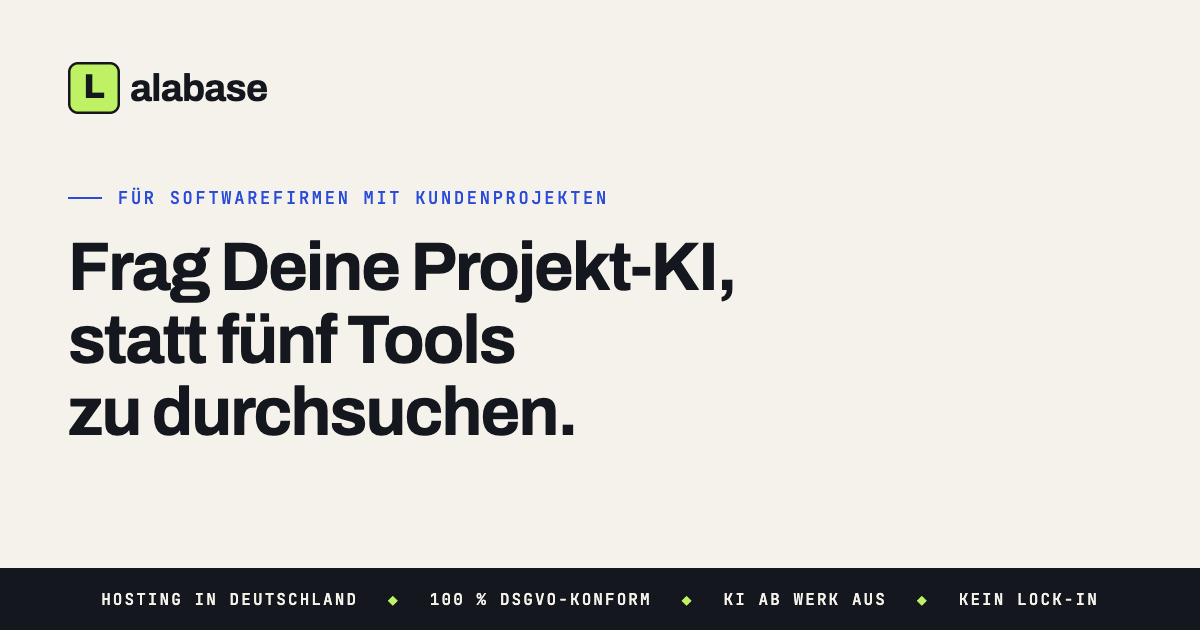
Lalabase is an open‑source project‑management suite aimed at software companies that run client‑facing projects. It combines tickets, documentation, time tracking and meeting notes in a single interface, and includes an optional AI assistant that can answer questions by citing the underlying sources. The platform can be self‑hosted under the AGPL‑3.0 licence or run in a German‑based cloud that provides GDPR‑compliant data handling.
The tool is positioned for project leads, developers and managers who need a unified view of client work without stitching together separate systems. If you are moving from Redmine, Jira, Asana, OpenProject or a spreadsheet, Lalabase offers a migration path: you provide a database dump or export, the team sets up the projects on the new instance, and you review the result before committing. The interface groups tickets, documents, time entries and meeting transcripts, allowing you to switch the AI assistant on when you want to query across these data types. The AI can be powered by OpenAI, Gemini or Mistral, and you supply your own API key, keeping the model choice and jurisdiction under your control.
Getting started involves three steps. First, you register for the EU‑hosted cloud or deploy the Docker‑Compose package on your own server; the initial setup can be completed in under five minutes. Second, you create projects, invite team members and assign roles, with clear separation between internal users and clients so that sensitive information stays hidden. Third, you begin work by creating tickets, attaching documents, logging time directly on tickets and using the built‑in chat for client conversations. Reports can be generated with a single click, and the AI assistant can be toggled on or off as needed, with notifications keeping participants informed.
Key features
- Ticket system with comments, attachments and smart folders
- Versioned document repository searchable across all content
- Integrated time tracking linked to tickets and exportable reports
- Multi‑tenant project structure with role‑based access controls
- Optional AI assistant that cites sources from tickets, docs and time entries
- Self‑hosting via Docker Compose or German‑based cloud with GDPR compliance
Details
- Pricing
- Free
- Category
- Data
Suggest an edit
Sign in to suggest an edit.
Pros and cons
Pros
- All core project‑management functions are bundled, reducing the need for multiple tools.
- Data sovereignty is emphasized; you can host on your own server or in Germany with a DPA.
- Migration support for common legacy systems through manual dump handling.
- Choice of AI provider and the ability to bring your own API key.
Cons
- AI functionality is disabled by default and requires configuration of an external provider.
- Pricing details are limited to “a fixed amount per person” without publicly listed rates.
- No mention of mobile apps or offline access capabilities.
Alternatives
 LakesailLakeSail is a data and AI platform built around Sail, an open-source compute engine written in Rust that is compatible with Apache Spark.
 AIData.BrokerAIData.Broker finds buyers for the data a company makes as it works: tickets, email, chat, code, documents. It publishes every public price for AI training data with its source, the…
 Quadratic MultiplayerQuadratic is an AI spreadsheet that connects to your data sources and helps you analyse them in a familiar grid.
 Quills AIQuills AI is a generative business intelligence assistant.
 KadoaKadoa is a web data platform built for finance.
 ScrapingdogScrapingdog is a web scraping API for extracting data from websites at scale.
 Alian Hub Project Management SystemAlianHub is an open-source project management system that can grow into an ERP.
 LatitudeData workspace and prompt engineering platform for AI product teams.
 Maxim AIBifrost is an AI gateway made by Maxim AI.
 Upwork Business Developer MydevagentsMy Dev Agents describes itself as an all-in-one operating system for service businesses such as agencies and development studios.
 DynamiqDynamiq is an agentic AI platform for building and running AI agents for back-office automation and customer support, by voice and by chat.
 EarlyaiEarly Release Guard, from Early AI (startearly.ai), is a tool for software teams that want to spend less time repairing bugs.