


mercury-agent
Soul-driven AI agent with permission-hardened tools, token budgets, and multi-channel access. Runs 24/7 from CLI, Telegram or More.
Sign in to rate this tool.
Overview
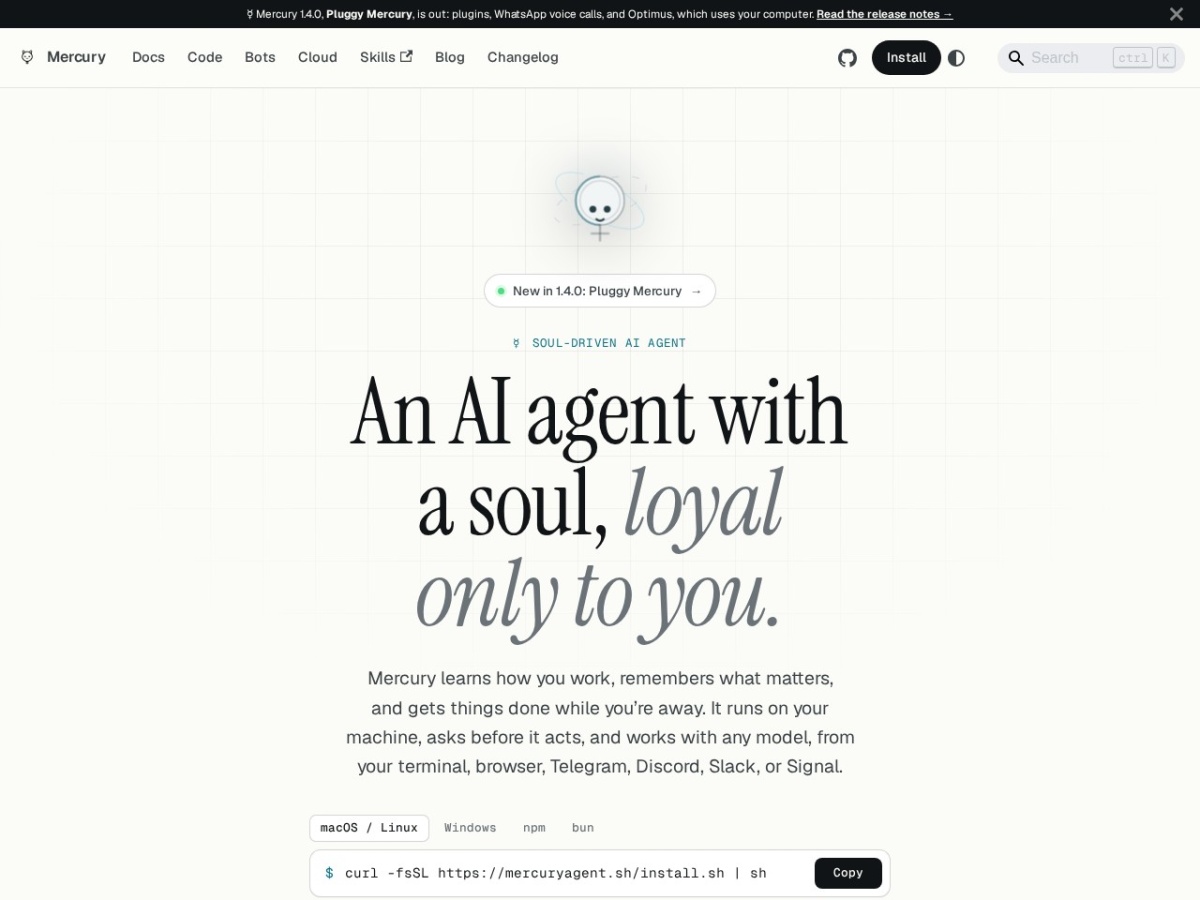
Mercury Agent is an open‑source AI assistant that lives on your own computer and can be reached from a terminal, a web browser, or messaging services such as Telegram, Discord, Slack, and Signal. The tool positions itself as “soul‑driven,” meaning it builds a personal memory of how you work, what you value, and the decisions you have made, then uses that memory to act on your behalf when you are not present.
The core of Mercury's operation is a SQLite database stored in ~/.mercury that holds ten different memory types, full‑text search indexes, and markdown files you control (for example soul.md or persona.md). You can query the memory directly, for instance by running `search_memory "weekly update"` which returns hits formatted in your preferred bullet‑point style, ready to be posted to a channel like #eng‑leads. Reads happen without prompting, while any command that writes, runs a shell command, or accesses external accounts triggers a permission dialog. You can choose “approve once,” “always approve,” or “deny,” and the choice can be remembered per command type. A built‑in shell blocklist prevents dangerous operations such as `rm -rf /` from ever executing, regardless of the mode you select.
Mercury ships with roughly fifty built‑in tools that are permission‑gated. Typical inputs include natural‑language requests such as “draft the weekly update for the team” or “run `npm test` in the settings folder.” The agent translates the request into a series of low‑level actions, reading files, editing them, committing to git, or invoking a shell command, and then presents the result. Output is shown in the console or sent back through the chat channel you used, often with a completion banner that indicates whether the task succeeded, was verified by a build or test, or was paused because a blocker was encountered.
For continuous operation, Mercury can be installed as a system daemon with a single `mercury up` command. The daemon starts on boot, restarts after crashes, and can run scheduled cron jobs. Persistent “Mercury Bots” can be defined, each with its own model and memory, allowing you to create specialized assistants, for example a daily‑brief bot that posts a summary to Telegram at 07:00, or a fact‑checker that validates sources before posting.
Details
- Pricing
- Free
Suggest an edit
Sign in to suggest an edit.
Pros and cons
Pros
- Data stays on your own disk; the project reports zero telemetry.
- Fine‑grained permission controls reduce risk of unintended writes or commands.
- Memory system remembers context across sessions, enabling consistent assistance.
- Service mode allows the agent to run unattended and recover from crashes automatically.
Cons
- Installation and configuration are manual; no graphical installer is provided.
- Pricing information is absent because the tool is MIT‑licensed open source, so commercial support details are not listed.
- Interaction is primarily through CLI or supported chat platforms; no native web UI is mentioned.
Alternatives
 ClineCline is an open-source coding agent for VS Code, the terminal, desktop and cloud that works with your choice of model provider and your own API keys.
 EnconvoEnconvo is an AI agent for macOS that lives across your Mac.
 Kilo AIKilo, also known as Kilo Code, is an open-source AI coding agent.
 Linkly AILinkly AI is a desktop app that turns the files on your computer into a private knowledge library that AI assistants can search.
 WarpWarp pairs a modern terminal with coding agents and cloud agent fleets, with usage included at API rates on its Build, Max and Business plans.
 Claude AIClaude review (October 2026): Anthropic's AI assistant, key features, verified Free, Pro, Max and Team pricing, pros, cons and alternatives.
 PoePoe puts GPT, Claude, Gemini, Grok and thousands of other bots in one app, paid for with compute points instead of separate subscriptions.
 Alian Hub Project Management SystemAlianHub is an open-source project management system that can grow into an ERP.
 AI Webcam Effects For Video MeetingsWebcam Effects is a browser extension that adds AI video effects to your webcam in any browser-based video call or stream.
 MacgptMacGPT is a free Mac app that puts ChatGPT within reach wherever you are on your computer.
 Meta AIMeta AI is Meta's free assistant inside WhatsApp, Instagram, Messenger and Facebook, with deep research, image editing and voice in 13 languages.
 GitHub CopilotGitHub Copilot review (October 2026): AI coding assistant in your editor and on GitHub, verified Free, Pro, Pro+ and Max plans and AI Credits explained.