


Sign in to rate this tool.
Overview
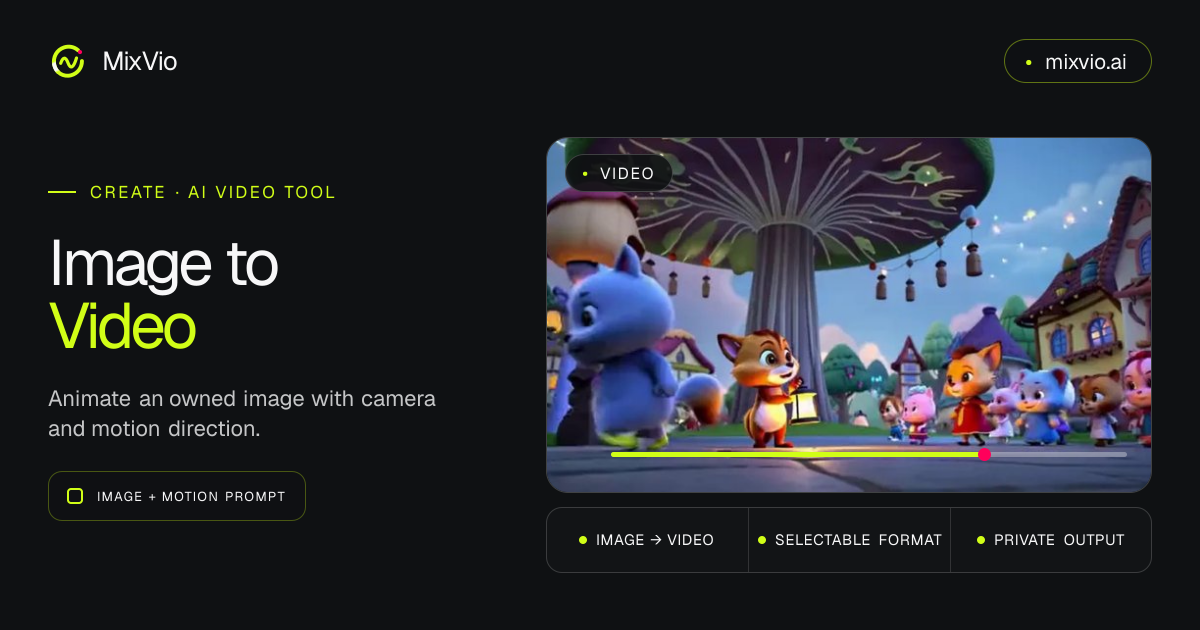
MixVio AI offers a web‑based workspace where you can turn a single image into a short video clip. The service shows the credit cost before each generation and keeps the resulting files private. It also includes an AI Photo Editor and other multimodal tools in the same environment.
The Image‑to‑Video tool lets you upload a photo or reference image, describe the desired motion, and choose a format such as 9:16, 16:9, or 1:1. You can select a resolution from 480p up to 4K, set the video length between 4 seconds and 30 seconds, and add up to three audio tracks. The interface displays a list of models, including Seedance 2.0, MiniMax H3, Kling, Veo Portrait, and others, so you can compare how each one animates the same frame. After you confirm the credit cost, the system generates a private MP4 that is ready for TikTok, Reels, Shorts, YouTube, or ad placements.
MixVio positions the tool for creators who need quick motion for social media, product showcases, cinematic B‑roll, pitch previews, or stylized art. Portraits and lifestyle photos can be given micro‑motion for Stories, while product images can become short ads without filming. The workflow is entirely online: you add references (images, videos, audio), type a prompt that may include “@Image1” style tags, adjust aspect ratio and resolution, then start the generation. Failed runs release any reserved credits, and the platform shows the exact credit usage for each model.
The service lists pricing per video for some models, for example Seedance 2.0 and Veo 3.1 at roughly $0.083 per video, but it does not publish a full pricing table on the page. A “Start for Free” button suggests a trial option, though details about limits or subscription tiers are not included in the excerpt.
Key features
- Upload a single image and add optional reference videos or audio files
- Choose from multiple AI models to apply different motion styles to the same frame
- Set aspect ratio (9:16, 16:9, 1:1) and resolution (480p‑4K) before generation
- Define video length (4‑30 seconds) and add up to three audio tracks
- View exact credit cost before each run; unused credits are released on failure
- Private MP4 output ready for TikTok, Reels, Shorts, YouTube, or ads
Details
- Pricing
- Freemium
- Category
- Video
Suggest an edit
Sign in to suggest an edit.
Pros and cons
Pros
- Transparent credit cost display before generation
- Ability to compare several motion models on the same image
- Supports a range of formats and resolutions suitable for social platforms
- Keeps generated videos private within the workspace
Cons
- Full pricing structure and subscription details are not provided on the page
- No information about free‑tier limits or how many credits are included in a trial
- Credit‑based pricing may be unclear for users unfamiliar with the system.
Alternatives
 TryH3 — MiniMax H3 Video GeneratorTryH3 is an AI video trend studio.
 VideoideasaiAI assistant for YouTube creators to generate video scripts and content ideas.
 Wui AIAI platform to repurpose long videos into viral clips.
 Krikey AIKrikey AI is an animation tool that creates 3D animations from simple text or video prompts.
 VizardVizard is an AI video editing and clipping tool that turns long-form videos into short clips for TikTok, Instagram and YouTube Shorts.
 Wavel AIAI-powered platform for video editing, text-to-speech, voice cloning, and localization.
 Veevid AIVeevid AI is an online AI video generator that gathers many video and image models in one interface.
 Quickpov AIAI platform to create viral POV videos from text prompts.
 Stable VideoAI video model transforming images/text into videos.
 Ecango ComEcango is an AI-powered tool for fast and accurate audio and video transcription and translation.
 BoolvideoBoolvideo is an all-in-one AI video generator.
 Dub AIDub AI is an online tool that translates and dubs videos and audio into more than 40 languages.