


Sign in to rate this tool.
Overview
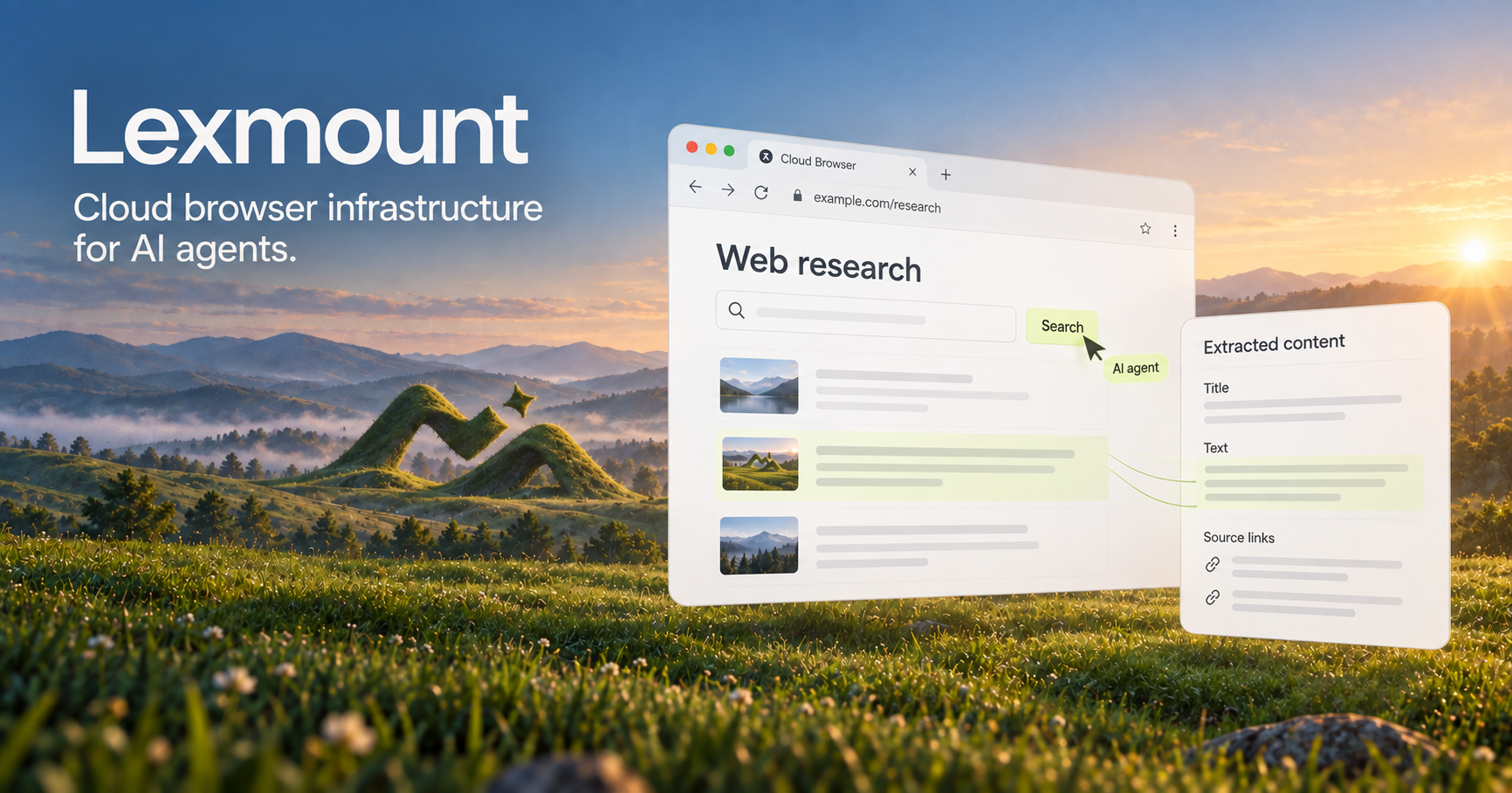
Moli by Lexmount is a cloud‑based browser service built to support AI agents and automated tasks. It offers a headless browser environment that is faster and more memory‑efficient than standard Chrome. The service can be accessed through a web playground or via its SDK and API.
The core functionality centers around three main products: Web Search, Web Fetch, and Cloud Browser. Web Search lets you send a query and receive ranked links from relevant pages. Web Fetch turns a URL into structured, readable content displayed as JSON or other formats, allowing you to extract text, links, or other DOM elements. Cloud Browser provides a programmatic API to launch a browser, perform actions, and capture outputs such as screenshots or console logs. These APIs can be used independently or combined in a single workflow.
For developers, the platform supports Playwright integration. You can connect Playwright's Chromium CDP to Lexmount with minimal changes: create a browser context, run tests, and retrieve results. The SDK documentation includes examples for Node.js. The platform also supports persistent contexts, extensions, and custom proxy configuration. You can keep browser state between sessions, useful for login flows or stateful interactions. Observability features include live session view, console logs, network snapshots, and execution evidence. Proxy limits and session IDs are exposed through the API, allowing you to route traffic through official or custom proxies.
If your task involves structured data extraction from websites, such as pulling product details, FAQ sections, or form data, Web Fetch is a direct fit. If you need broader search capabilities across the web, use Web Search. For full control over page interactions, especially when building agent workflows or automation scripts, Cloud Browser is the right choice. The playground environment lets you experiment with these features before adding them to a production build.
Key features
- Headless browser runs faster and uses less memory than Chrome
- Separate APIs for web search, structured content extraction, and browser control
- Playwright compatibility via CDP for Chromium sessions
- Persistent contexts and extension support
- Proxy configuration with official and custom options
- Live session view, console logs, and network snapshots for debugging
Details
- Pricing
- Free
- Category
- Agents
Suggest an edit
Sign in to suggest an edit.
Pros and cons
Pros
- Lightweight engine designed specifically for AI agents
- Full API access with examples for Node.js
- Support for persistent contexts and extensions
- Observable session data for troubleshooting
Cons
- No pricing information displayed on the site
- Limited details on per‑unit usage limits
- No mention of free tier beyond a brief “free account” note
- Limited documentation on supported browsers beyond Chromium
Alternatives
 AgentqlAgentQL is a set of developer tools for connecting AI agents and large language models to live websites.
 ComposioComposio is a platform that gives AI agents secure access to external apps and tools.
 NopsnOps is a cloud cost optimisation platform for engineering and finance teams.
 EnconvoEnconvo is an AI agent for macOS that lives across your Mac.
 Retell AIRetell AI is a platform for building, deploying and managing AI voice agents that automate phone calls.
 Autocalls AI AI Phone CommunicationsAutocalls is a platform for building AI voice agents that make and take phone calls on their own.
 Featherless LlmFeatherless is a serverless hosting service for open large language models.
 ManusManus is a general AI agent that plans and carries out multi-step tasks, from research reports to slides and websites, on a credit system.
 LakesailLakeSail is a data and AI platform built around Sail, an open-source compute engine written in Rust that is compatible with Apache Spark.
 RuncomfyRunComfy is a cloud platform for ComfyUI, the popular node-based interface for running open-source image and video generation models.
 Modal ComModal is cloud infrastructure for teams that develop, train and serve AI applications.
 ImagekitImageKit.io is a media lifecycle platform for websites and apps.