


Sign in to rate this tool.
Overview
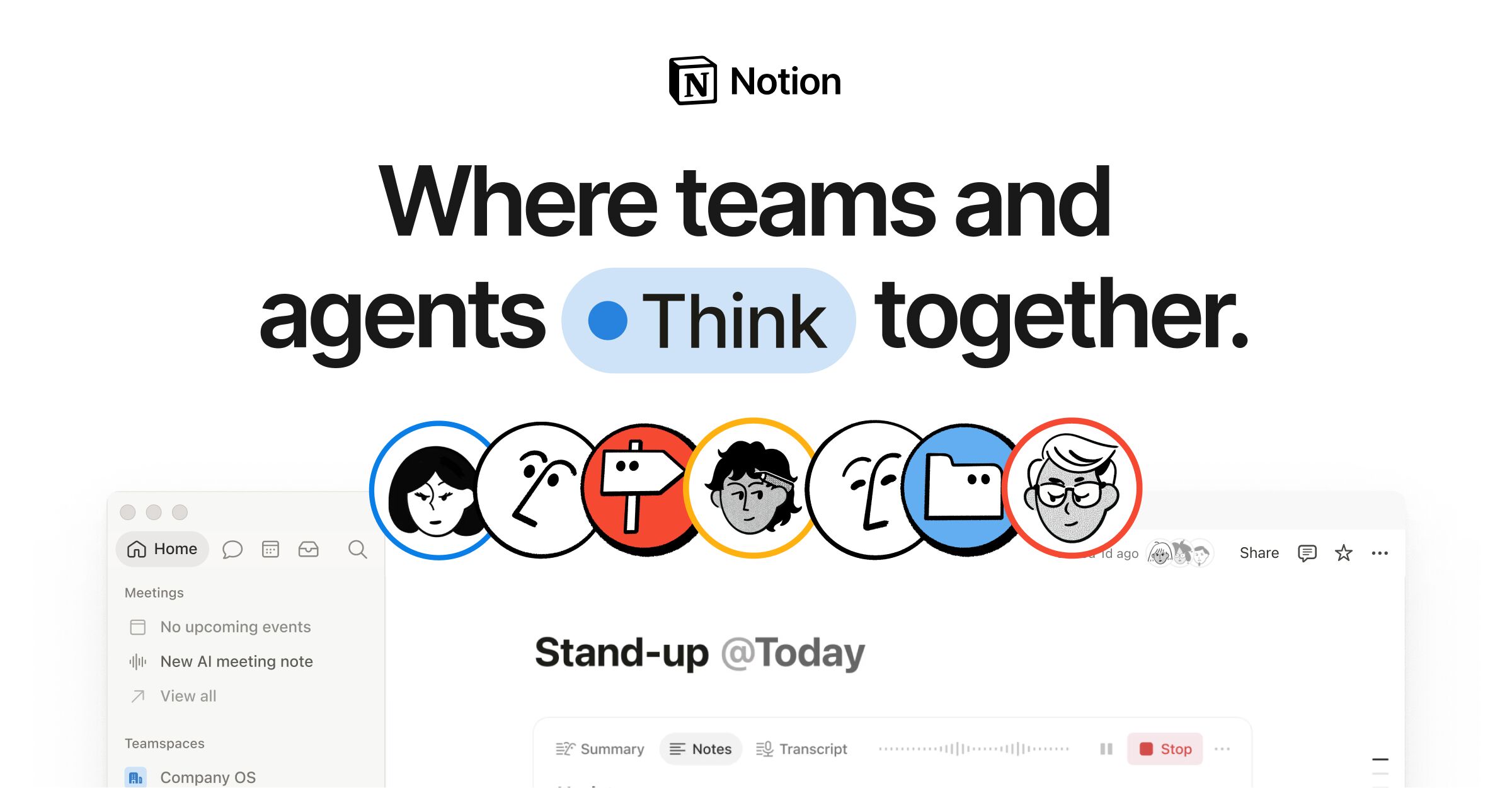
Notion Auto is a component of Notion's AI workspace that focuses on building custom agents, searching across apps, and automating routine tasks. The platform claims that its agents can run for extended periods while keeping operational costs low.
The core function of Notion Auto is to let teams create AI agents that capture context from multiple sources and deliver citations automatically. A user can set up an agent to search for answers within Notion, pull relevant data from linked databases, and return a response that includes source links. Agents can also run continuously, handling tasks such as compiling weekly reports, triaging product feedback, or reacting to security alerts. When an agent is triggered, it pulls data from the intended app, processes it with the built‑in AI, and posts the outcome back to the chosen channel, such as Slack or a Notion database.
The tool is designed for teams that need a central record of knowledge and want to automate low‑level operations. Teams that frequently answer support tickets, track project status, or generate meeting notes can rely on an agent to keep work moving 24/7. Customization is done through a visual interface that allows users to specify triggers, steps, and desired outputs. Once an agent is deployed, it operates within Notion's workspace, using the same permissions and data access model that applies to normal pages.
You will notice that Notion Auto expects users to already have a Notion workspace. It works within that ecosystem, so it requires no separate installation. Agents can be added to any database, page, or linked app, but the output remains within Notion unless an integration is configured to push it elsewhere. The system does not provide external pricing tiers; it is included with the subscription model of Notion. Performance details such as execution limits or concurrency are not disclosed publicly.
Key features
- Builds custom AI agents that can run continuously
- Retrieves and cites answers from within Notion and connected apps
- Automates recurring tasks like weekly reporting and support ticket triage
- Integrates with Slack and other external tools for notifications
- Operates entirely inside the Notion ecosystem
Details
- Pricing
- Free
- Last checked
- 6h ago
- Indexing
- noindex, follow
- Category
- Agents
Suggest an edit
Sign in to suggest an edit.
Pros and cons
Pros
- Keeps all knowledge centralized in a single system of record
- Agents provide cited answers, improving traceability
- Continuous operation allows 24/7 workflow automation
- No need for external integration beyond existing Notion connections
Cons
- Does not disclose explicit pricing or limits for agent usage
- Documentation lacks details on execution quotas or performance metrics
- Requires an existing Notion workspace and familiarity with its interface
Alternatives
 ManusManus is a general AI agent that plans and carries out multi-step tasks, from research reports to slides and websites, on a credit system.
 FlowsavvyFor anyone who lives in the ai agents space, Flowsavvy is a refreshing find. The setup is light, the results are solid, and nothing is hidden behind menus. It also...
 ComposioIt fits naturally into daily work. Whether you are handling a single quick task or a batch that would eat an afternoon, the tool keeps the pace steady. It also...
 TavilyThe feature set covers the basics well and adds thoughtful extras - keyboard shortcuts, reusable templates, and clean sharing options - without overwhelming you. Freelancers use it to keep client...
 GensparkGenspark is an AI workspace with agents for slides, sheets, docs, email, design, code and media, plus plugins for Google Workspace and Microsoft 365.
 Autocalls AI AI Phone CommunicationsThe feature set covers the basics well and adds thoughtful extras - keyboard shortcuts, reusable templates, and clean sharing options - without overwhelming you. Before you decide, skip the speculation...
 Retell AIYou will find a free plan, making it easy to test the tool against your own needs first. The practical way to judge it is to use it. Students and...
 CirclechatIf ai chatbots tasks take up too much of your day, Circlechat is built to give you time back. It handles the heavy lifting while leaving you in control. You...
 OpenservIt works well as a daily driver. Saved templates, recent history, and multiple output options mean the tool adapts to the way you actually work. It is a practical choice...
 EarlyaiIf ai agents tasks are part of your routine, Earlyai is worth testing against your own use cases. Their website, startearly.ai, has the full details. You will find a free...
 WarpWarp pairs a modern terminal with coding agents and cloud agent fleets, with usage included at API rates on its Build, Max and Business plans.
 ReplitReplit is a browser-based builder where an AI Agent writes, hosts and publishes full apps from a plain-language description, with database and auth built in.