


open-nvr
The open platform for AI on your cameras: a self-hosted NVR (ONVIF/RTSP, recording, WebRTC) running any AI model through one open contract, with an app SDK and
Sign in to rate this tool.
Overview
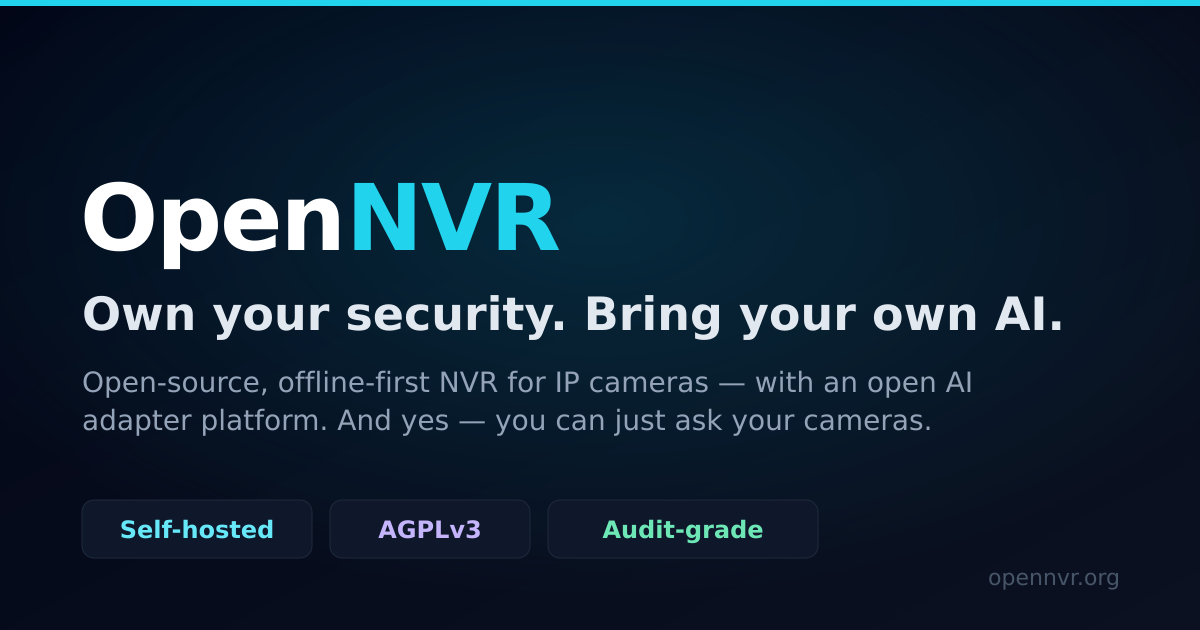
OpenNVR is a self‑hosted video platform that turns any ONVIF or RTSP camera into a full NVR with AI. It runs on hardware you own, a Raspberry Pi 5, a laptop, or a server, and does not depend on cloud services, API keys, or vendor lock‑in. The platform records, streams, and can host any AI model you install, making it suitable for environments where data residency or air‑gap requirements are critical.
To get started, you clone the OpenNVR repository from GitHub, `git clone https://github.com/open-nvr/open‑nvr.git`, move into the directory and launch the system with `./start.sh`. Alternatively, you can pull a pre‑built image that includes the core application. Once running, a web dashboard appears where you add cameras by entering their ONVIF or RTSP URLs. You can also use a smartphone, a laptop webcam, or a local video file as a camera source if no physical cameras are available. After a camera is online, you can view a live feed, set recording parameters, or draw zones for specific object classes. The interface lists each camera's status, health, and last event timestamps.
OpenNVR's AI capability is plug‑in based. Any model that follows a simple open contract can be dropped into the system. The model's weight file is fingerprinted and stored, and every inference event is logged with that fingerprint, making it possible to trace alerts back to the exact model version. Ready‑made apps, such as person detection, vehicle tracking, or under‑occupancy alerts, are packaged as containers that can be installed with a single click. Developers can also build custom apps or extend the provided SDKs. When an event occurs, say a person track or a vehicle passage, the system pushes the detection as a message to an event bus that you own. You can trigger downstream actions, like sending an email or logging the event, through that bus.
The platform maintains health monitoring for every layer: camera connectivity, recording, AI inference, and the event bus. If any component fails, the dashboard displays an alarm and a description of the issue, allowing quick troubleshooting. All recorded footage, AI outputs, and inference logs stay on the local device, permitting air‑gapped deployment. The system also re‑streams cameras that are isolated on a private network over TLS, ensuring secure playback on the host machine.
Details
- Pricing
- Free
- Category
- Video
Suggest an edit
Sign in to suggest an edit.
Pros and cons
Pros
- Full control of data and AI inference on local hardware
- Plug‑in architecture allows any compliant AI model
- No cloud accounts or API keys required
- Auditable logs with model fingerprints
- Flexible camera source options
Cons
- No published pricing or subscription plans
- Requires manual installation and configuration
- Limited GPU and high‑performance deployment guidance
- Documentation focuses on core setup, not advanced customizations
Alternatives
 RollAI-powered platform for studio-quality remote video production using just a phone.
 RunninghubRunningHub is an AI content creation platform powered by ComfyUI and model APIs.
 Krikey ComKrikey AI is an AI animation maker for creating 3D animated videos from simple text or video prompts.
 Podfyai The Platform For Creators And AgenciesAI platform to automatically turn texts and audio into fully edited videos.
 Veed IoOnline video editor with AI tools for creating professional videos quickly and easily.
 SynthesiaSynthesia review (October 2026): AI avatar video platform for training and business video, verified Basic, Starter, Pro and Enterprise pricing.
 Yuzzit VideoAI-powered video creation platform for editing, sharing, and storing videos.
 PikaPika is an idea-to-video platform that turns ideas into motion videos.
 Kling 3.0 AI Video GeneratorKling 3.0 turns text prompts and source images into short videos with controllable motion, camera direction and cinematic visual styles. Browser-based workflow for social clips, ads and product demos; free…
 Stable VideoAI video model transforming images/text into videos.
 ColourlabColourlab is a set of AI imaging tools for people who work with moving images.
 VislaAI video creation and editing tool for businesses and teams.