


AI Image Combiner by QuickFaceSwap
Combine images for free, or blend them into one scene with AI.
Sign in to rate this tool.
Overview
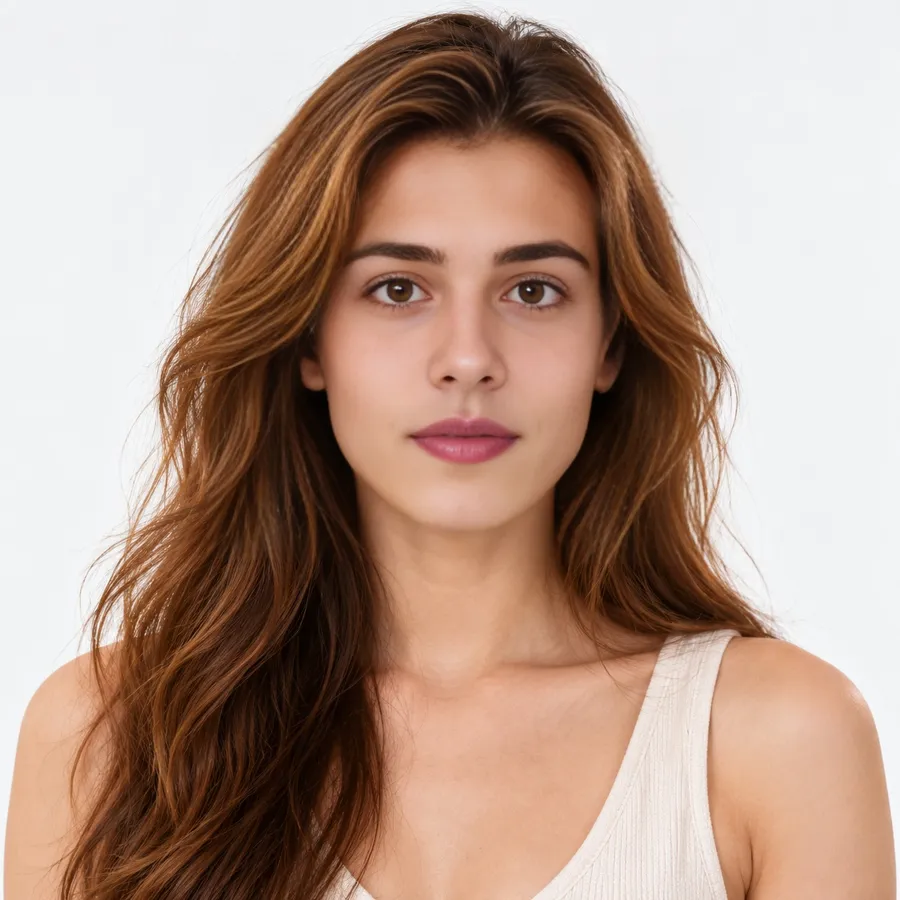
AI Image Combiner by QuickFaceSwap lets you either stitch several pictures together into a single file or ask an AI to merge a few photos into one natural‑looking scene. The basic side‑by‑side, stacked or grid mode works completely free in your browser, while the AI‑blend option consumes three credits per blend.
In the free mode you can add 2 to 10 images in JPG, PNG or WEBP format, each file limited to 10 MB. After dropping the files onto the page you can reorder them with arrow controls, then choose a layout: “Side by side” places the pictures horizontally, “Top to bottom” stacks them vertically, or “Grid” arranges them in a 2‑, 3‑ or 4‑column layout. Spacing between images can be set from 0 px upward, a border width and corner radius can be added, and you may pick a solid background colour or keep it transparent. The tool matches heights for horizontal layouts and widths for vertical ones, so the edges line up without squeezing. When you click Download, the combined picture is exported as a JPG or PNG up to 6000 px on the longer side. Because the processing happens entirely in the browser, no images are uploaded, no watermark appears, and no sign‑up is required.
When a simple collage does not meet your needs, the AI‑blend mode lets you provide 2–3 photos and a short sentence describing the desired scene, for example, “the two of us at a café table.” Within roughly 30 seconds the service generates a new image that places the subjects together, adjusting pose, lighting and background to create a believable composition. This operation costs three credits, which are taken from a free account that receives one credit per daily visit, or from purchased credit packs. The blended result appears in the “My Creations” area for 24 hours, after which you can download it as JPG or PNG. If the AI cannot finish the blend, the three credits are returned to your balance.
The tool is useful for creating comparison shots, before‑and‑after visuals, simple memes, or quick product mock‑ups where you need several images in one file. It also serves users who want a single photo that shows people, pets or objects together without manually editing.
Details
- Pricing
- Freemium
- Category
- Image
Suggest an edit
Sign in to suggest an edit.
Pros and cons
Pros
- No account or upload required for basic collage creation
- Supports a range of layout options and visual customisations
- AI blend produces a single coherent image rather than a collage
- Credit refunds are offered if an AI blend cannot be completed
Cons
- AI blend requires credits; detailed pricing beyond the starter pack is not shown
- Maximum of 10 MB per input file and 6000 px output size may limit high‑resolution work
- Blended images are only stored for 24 hours before deletion
- No information about bulk credit packages or enterprise features is provided
Alternatives
 Fluxai Art Free AI Image GeneratorFluxAI.art is an online AI image generation and editing site that brings several models together.
 AI Photo EditorAI Photo Editor is a browser-based tool that edits photos from a written prompt.
 ArtblastaiArtBlast AI is a web platform for creating art with AI.
 ClipdropClipdrop by Jasper offers quick AI image tools for background removal, cleanup, relighting, uncrop and upscaling, free with daily limits or Pro at $15 a month.
 Cleanup.picturesCleanup.pictures removes unwanted objects, people, text and defects from photos in the browser, free at 720px or full resolution with Pro.
 MokkerMokker AI creates professional product photos from a single product image.
 AI Profile Picture MakerPFP Maker is an online AI tool for creating profile pictures.
 Image to Claymation AI GeneratorImage to Claymation is an online tool that converts an ordinary photo into an image that looks sculpted from modelling clay.
 AI Cartoon GeneratorAI Cartoon Generator is a web tool that creates cartoon, anime and manga-style images from text descriptions.
 Consistent Character AI ORGConsistent Character AI is a web-based generator for creating images and videos of the same character across different scenes.
 AI Product ShotAI Product Shot is a tool for creating product photos and ads with AI.
 Image Translator Manga TranslatorTranslateImg is an online AI image translator.