


Sign in to rate this tool.
Overview
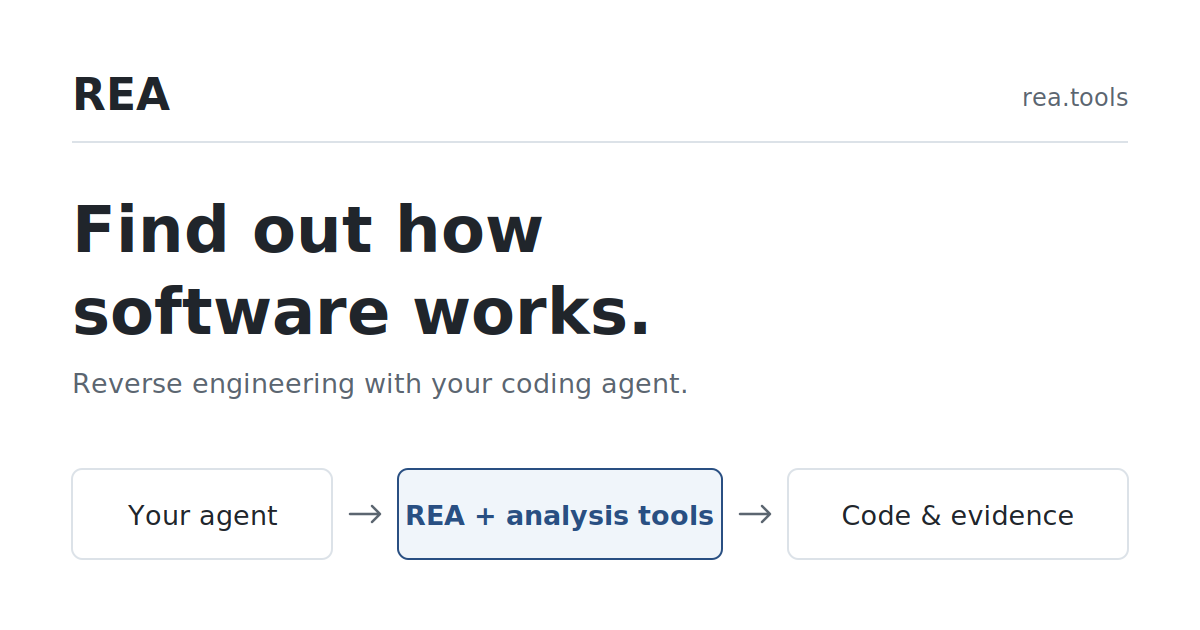
REA is a reverse‑engineering tool that connects to your coding agent and gives it the ability to walk through the internals of a program. To begin, a developer runs `npx rea‑agents@latest setup` in a terminal. The command downloads the REA package, asks the agent to approve a setup plan, and then restarts the agent to activate the new APIs. Once installed, the agent can query REA for code fragments, architecture information, and runtime observations, all of which are packaged as plain text and passed back to the agent as part of its reply.
Typical usage starts with a question about a target. For instance, a developer might ask, “Why does 200 + 10 % give 220?” The agent then instructs REA to inspect the Windows Calculator DLL or a web page. REA pulls the relevant assembly instructions, such as those beginning with `MOV EAX, dword ptr […]`, and returns them in the reply. The agent can also produce a decompiled version of the code, identify function calls, and trace the specific branching logic. In the Calculator example, REA provides the exact rule that the % button multiplies the current number by the percent value and then adds the result, which the agent explains in a concise message.
Another example involves a browser game. The agent asks REA to analyze the dinosaur game, which is served from a Chromium‑derived browser. REA supplies the JavaScript source, highlighting the line that increments speed: `if (this.currentSpeed < this.config.MAX_SPEED) { this.currentSpeed += this.config.ACCELERATION; }`. The agent then recaps the rule, which starts at 6 and increases until 13, and even offers a small demo that lets the user alter the speed with a slider.
Routines that are not covered by the public text include limitations on how many instructions can be processed at once, or whether REA can handle obfuscated binaries. The directory listing also does not reveal any pricing structure, subscription tiers, or explicit limitations on usage. The tool is geared toward developers who already have a coding agent and want a low‑overhead way to interrogate their own or third‑party software. Those who need a standalone graphical interface or who do not use a coding agent in their workflow may find REA less convenient. The installation steps are command‑line only; no GUI is described.
Key features
Details
- Pricing
- Free
- Category
- Game
Suggest an edit
Sign in to suggest an edit.
Pros and cons
Pros
- Embeds directly into existing agent workflows
- Handles both native and web‑based codebases
- Gives clear, human‑readable code excerpts and logic explanations
- Enables on‑the‑fly rule reconstruction and modification
- Open‑source installation process via npm
Cons
- Installation requires Node.js and command‑line usage
- No pricing or subscription details are disclosed
- Does not describe limits on instruction count or file size
- Limited to the agent‑based interface; no standalone GUI is offered
Alternatives
 Roe AIRoe is an agentic investigation platform for fraud and anti-money laundering teams.
 Modal ComModal is cloud infrastructure for teams that develop, train and serve AI applications.
 Digits Accounting ReimaginedDigits is accounting software built around AI.
 DartDart describes itself as the workplace for the agent era.
 LakesailLakeSail is a data and AI platform built around Sail, an open-source compute engine written in Rust that is compatible with Apache Spark.
 LitellmLiteLLM is an open-source AI gateway and LLM proxy for platform teams.
 TavilyTavily is a search engine built for AI agents and large language model applications.
 ComposioComposio is a platform that gives AI agents secure access to external apps and tools.
 CursorCursor review (October 2026): AI-first code editor with agents, verified Hobby, Pro, Pro+, Ultra and Teams pricing, privacy mode, pros and cons.
 SplineSpline is a browser 3D design tool for interactive scenes, with real-time collaboration, AI agents via MCP and publishing to web, iOS and Android.
 LovableLovable builds and hosts full web apps from a chat, with Cloud hosting, auth and payments included and a credit-based Pro and Business plan.
 QodoQodo (formerly CodiumAI) reviews pull requests with multiple AI agents that learn your team's rules, check cross-repo impact and map your services.