


remnic
Open-source memory and context for user-aware agents: scoped memory, provenance, retrieval quality, correction, boundaries, evals, and MCP/HTTP access.
Sign in to rate this tool.
Overview
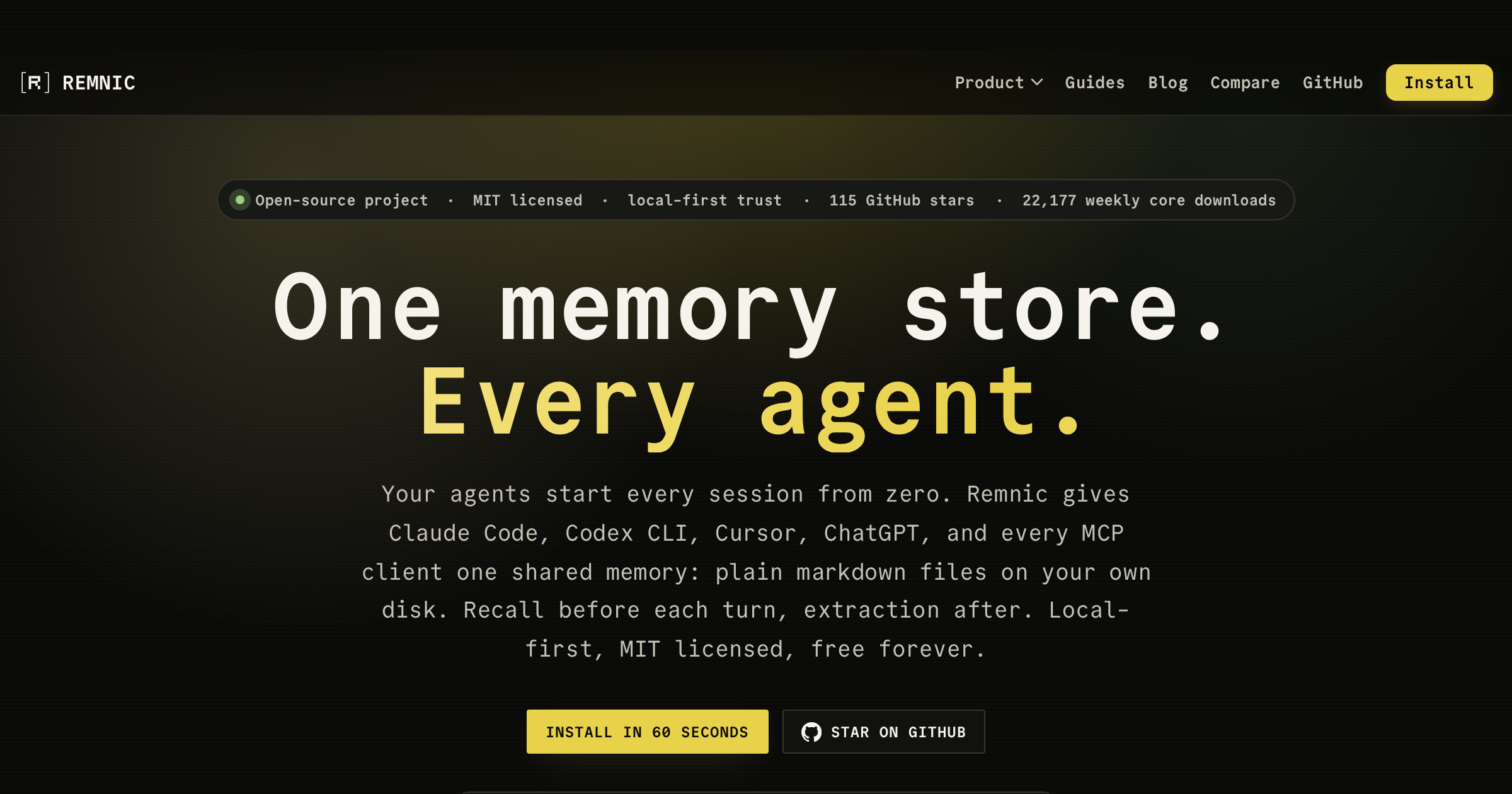
Remnic is a lightweight, open‑source memory engine that lets you store and retrieve user context as plain markdown files on your local machine. It works next to your existing AI agents, Claude Code, Codex CLI, Cursor, ChatGPT via MCP, and many others, so that each agent shares the same single memory store.
When you launch an agent session, Remnic automatically loads relevant markdown files, extracts structured entries, and makes them available as a knowledge base for the next prompt. After the agent finishes its turn, Remnic records the new facts back into the same files, adding provenance fields such as source, timestamp, and scope. The storage format is simple: a markdown document coupled with a YAML front‑matter block. The files are managed locally, so you can view, edit, or archive them with any text editor, grep, or git. A daily snapshot of each file preserves version history, and diff tools allow you to revert to earlier states.
The system distinguishes between scopes, personal, work, client, project, repo, and temporary, so that context remains bounded. Each recall returns not just the text but also a confidence score, the source file, and the version that was used. Remnic's hybrid search blends BM25 keyword matching with vector similarity and optional graph‑based ranking; a “Recall X‑ray” view shows which tier generated each result. Additionally, provisions exist for correction: you can flag a memory as stale, which automatically removes it from future recall, or you can annotate a correction that propagates to the stored markdown.
For agents that run on MCP, Remnic provides a REST/MCP server that authenticates via OAuth 2.1. Native extensions exist for Claude Code, Codex CLI, Pi Coding Agent, Hermes, OpenClaw, and WeClone. A generic “MCP client” can pick up Remnic architecture without any extra changes. The command‑line tool @remnic/cli installs in under a minute and offers one‑line commands to install the daemon, start it, and interact with the memory store.
Key features
- Shared memory store in plain markdown + YAML across all MCP clients
- Scope‑based separation of personal, client, and project context
- Provenance metadata: source file, timestamp, confidence, and reason for recall
- Hybrid search with BM25, vector similarity, and optional graph ranking
- Local‑first design; files can be versioned, archived, or edited with standard tools
- SR&CD: structured recall, structured consolidation, date‑based supersession
Details
- Pricing
- Free
Suggest an edit
Sign in to suggest an edit.
Pros and cons
Pros
- Free under MIT license, no subscription required
- Local storage eliminates privacy concerns associated with cloud‑hosted memory
- Native integrations available for multiple popular AI toolchains
- Simple markdown files make the data human‑readable and editable
Cons
- Current documentation does not include explicit pricing or enterprise plans
- Only demonstrated integrations with MCP‑compatible clients; custom agents need own setup
- No built‑in user interface beyond CLI and REST endpoints
- Provenance and scope management rely on user‑maintained onboarding guidelines
Alternatives
 LitellmLiteLLM is an open-source AI gateway and LLM proxy for platform teams.
 RaindropRaindrop is a monitoring and debugging platform for teams that ship AI agents.
 Qdrant IoQdrant is a high-performance vector search engine and database.
 Lakera GuardLakera is a security platform for generative AI.
 TavilyTavily is a search engine built for AI agents and large language model applications.
 CustomgptCustomGPT.ai lets businesses build custom AI assistants and agents from their own content without writing code.
 ScriptmeAutomatic transcription and subtitle platform with AI-powered tools and multi-format support.
 AskyourdatabaseAskYourDatabase is an AI tool for chatting with SQL databases.
 Watermelon PulseWatermelon is a customer service platform built around AI agents.
 Maxim AIBifrost is an AI gateway made by Maxim AI.
 BeamBeam is a native macOS app that puts ChatGPT one hotkey away.
 Vengo AIVengo AI is enterprise infrastructure for generative AI search and AI agents.