

Seedream 5.0
Online AI image generator and photo editor with 60 free credits. Not an official ByteDance product.
Sign in to rate this tool.
Overview
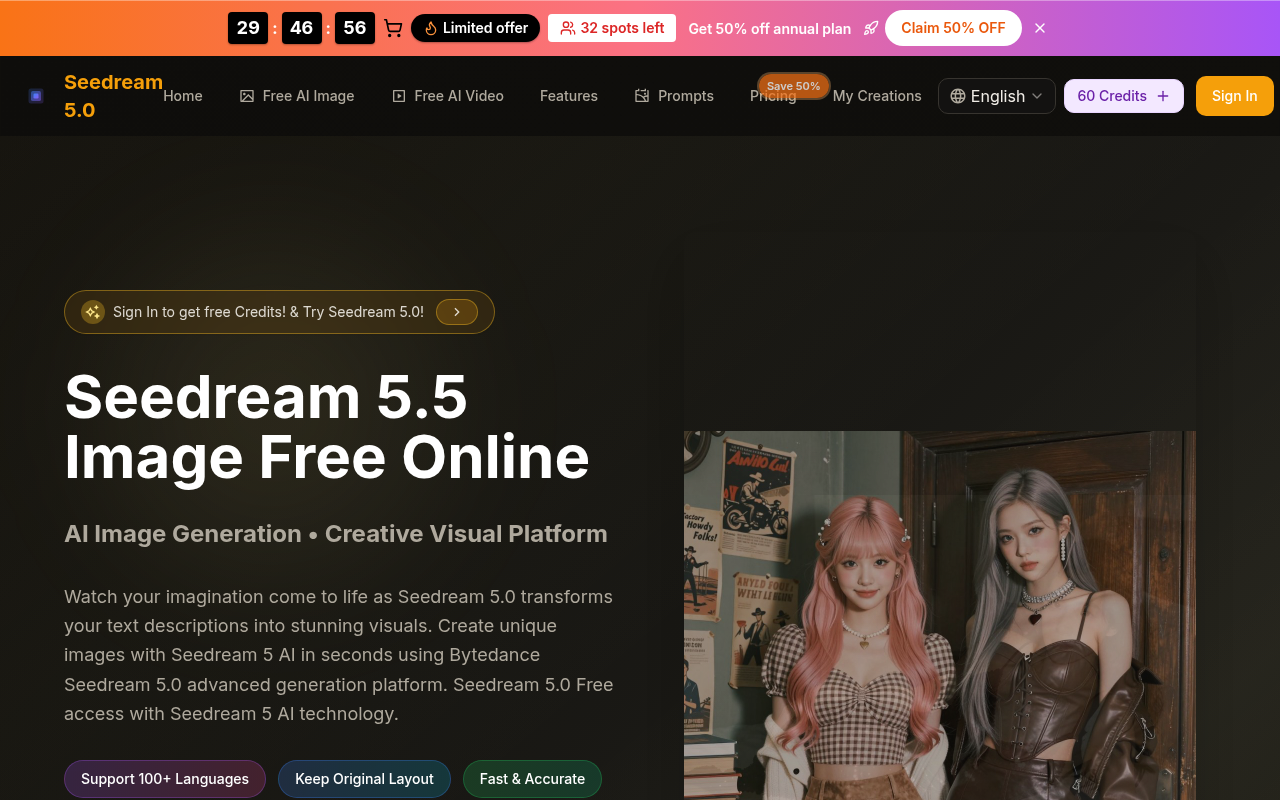
Seedream 5.0 is an online AI image generator and photo editor that works entirely in your browser. The process starts when you sign up; you receive 60 free credits that allow you to produce up to six images before needing more credits. The system presents two main modes: a text‑based generator and an editor that accepts existing photo files.
In the text‑to‑image mode, you type a description into the Chat Text‑to‑Image interface. The prompt can be up to 500 characters long, and the interface encourages adding specifics such as color, lighting, or art style words like “photorealistic,” “anime,” “oil painting,” or “high resolution.” You also choose an aspect ratio from the list, 1:1, 3:4, 4:3, 9:16, or 16:9, before clicking generate. The AI, powered by Bytedance's Seedream V5 model, renders the image and displays it in a preview window. Multiple passes are available: you can scroll through successive variations, click an image to open it in full size, and download the result right away. Each generation consumes 10 credits, and the free tier supports output up to 4 k resolution with no watermark.
The editing mode accepts JPG, PNG, or WEBP files no larger than 10 MB. Drag or upload the photo into the same interface, then let the AI apply transformations: background swapping, style changes, or photo restoration. For restoration, the model can adjust color balance, repair scratches, and enhance details, producing an image that appears more recent and vivid. The workflow mirrors the generator: upload or describe, click generate, preview the edited image, and download. This mode is suitable for designers, e‑commerce merchants, photographers, or hobbyists who need quick, high‑quality edits without complex software.
Seedream 5.0 is ideal for anyone who has a clear vision in text form and wants instant visual results, whether for character concepts, product visuals, or creative storytelling. Because the free credits are limited and each image costs 10 credits, users who require high volumes or wish to explore the platform beyond the initial 60 credits will need to purchase credits or subscriptions. The tool does not disclose any API access or integration options, so automated pipelines are not supported as of now.
Key features
- Text‑to‑image generation with up to 500‑character prompts
- 100+ language support and preset aspect ratios
Details
- Pricing
- Freemium
- Category
- Image
Suggest an edit
Sign in to suggest an edit.
Pros and cons
Pros
- Generous free credit allotment for initial experimentation
- Supports a wide range of languages and detailed prompt guidance
- Combines generation and editing in a single browser-based interface
- Produces high‑resolution images without watermarks
Cons
- Prompt length capped at 500 characters
- No public pricing beyond credit cost, and no subscription detail
- File upload capped at 10 MB
- No information on API or integration capabilities
Alternatives
 AI Photo EditorAI Photo Editor is a browser-based tool that edits photos from a written prompt.
 SharpniqSharpniq Unblur Image is an online tool for removing blur from images.
 FotorFotor is an online photo editor and design tool with dozens of one-click AI tools for enhancing, removing, styling, generating images and video.
 AI Christmas Photo GeneratorFlux1 AI is a browser-based platform for creating and editing images with the FLUX models, plus video generation.
 PicWishPicWish is a simple AI photo editor for background removal, enhancement, AI design and product images, with free, Pro, Max and pay-as-you-go options.
 Cleanup.picturesCleanup.pictures removes unwanted objects, people, text and defects from photos in the browser, free at 720px or full resolution with Pro.
 Image Translator Manga TranslatorTranslateImg is an online AI image translator.
 PixlrPixlr is a free browser photo editor with AI generation, generative fill, upscaling and video and audio tools, plus cheap Plus, Premium and Ultra plans.
 Image to Claymation AI GeneratorImage to Claymation is an online tool that converts an ordinary photo into an image that looks sculpted from modelling clay.
 Bulk Image GenerationBulk Image Generation is an AI image tool built for volume.
 AI Ease AI Photo EditorAI Ease is an online creation platform that brings many AI image and video tools together.
 MokkerMokker AI creates professional product photos from a single product image.