


Text to Brainrot
Make brainrot videos from your notes with Text to Brainrot. There is no video timeline to learn, because the tool handles captions, voice, and pacing.
Sign in to rate this tool.
Overview
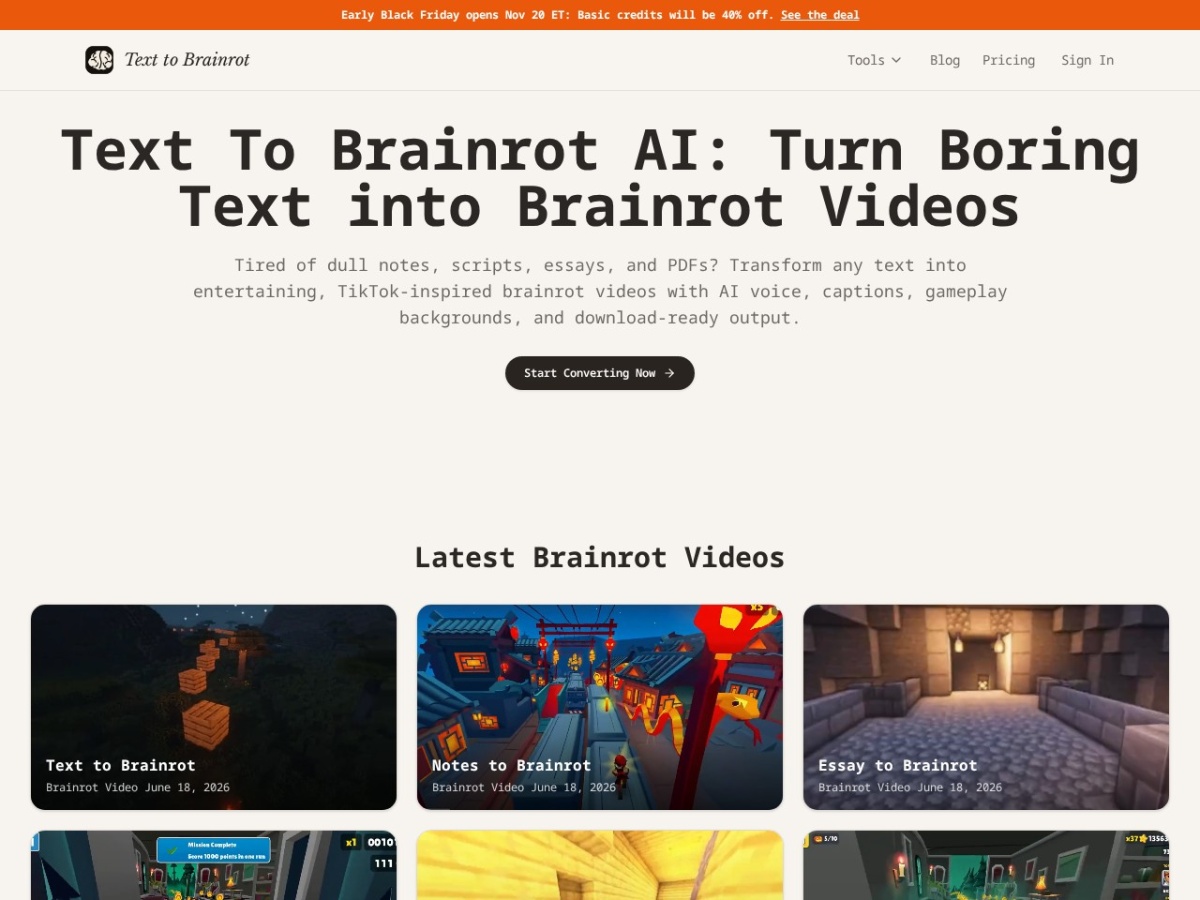
Text to Brainrot is a browser‑based tool that turns written material into short vertical videos with AI‑generated narration, bold captions and animated gameplay backgrounds. You paste text, notes, a PDF, a URL or a document, pick a style and the service creates a downloadable video without requiring you to edit a timeline.
The service offers three output modes: Brainrot, which adds a short‑form hook and stylized captions; Raw, which keeps the original wording intact; and Quiz, which formats the content as a question‑and‑answer sequence. After selecting a mode you choose an AI voice, a background motion style and can preview the script before generating the final video. The workflow is the same for all source types: paste, select mode, pick voice and background, preview, then download. A free preview lets you watch the result in the browser; downloading the video requires credits.
Students use the tool to convert study notes, textbook excerpts or exam reviews into replayable clips that pair narration with highlighted key words. Teachers and trainers can create quick explainers for onboarding or lesson reviews that are easier to watch than a block of text. Creators and social‑media teams repurpose essays, Reddit‑style stories or product explanations into TikTok‑ready shorts, and the optional Brainrot Translator can first convert normal text into internet‑style slang before video generation. The platform also supports Italian‑language input, using American voices and the same caption and background options.
The interface is designed for people who already have a clear source text and need a fast way to produce a mobile‑first video. It works with PDFs, Word‑style documents, Google Docs‑style material, URLs and plain text. The output is a vertical video file ready for TikTok, Reels or Shorts, and the service advertises “lightning‑fast conversion” without manual timeline editing. Credits are used to open up downloads, and a Black Friday promotion offers a discount on basic credits.
Key features
- Convert text, PDFs, notes, URLs or documents into vertical videos
- Three generation modes: Brainrot, Raw and Quiz
- AI voice narration paired with bold on‑screen captions
- Animated gameplay backgrounds for continuous motion
- Free in‑browser preview before spending credits
- Optional Brainrot Translator to render text in slang before video creation
Details
- Pricing
- Freemium
- Category
- Video
Suggest an edit
Sign in to suggest an edit.
Pros and cons
Pros
- Simple paste‑and‑generate workflow with no timeline editing required
- Supports multiple source formats including PDFs and web URLs
- Provides a dedicated Quiz mode for study‑focused question‑answer videos
- Offers a free preview to assess the result before downloading
- Includes language options such as Italian text conversion
Cons
- Downloading videos requires purchasing credits; pricing details are not listed
- No built‑in video editing beyond the preset modes and background choices
- The tool relies on user‑provided content being clear and copyright‑safe, with no automatic content verification.
Alternatives
 Podfyai The Platform For Creators And AgenciesAI platform to automatically turn texts and audio into fully edited videos.
 VexubAI video generator for text, audio, and more.
 FlickifyaiAI platform to generate viral videos effortlessly and quickly.
 Ecango ComEcango is an AI-powered tool for fast and accurate audio and video transcription and translation.
 PictoryAI-powered video creation and editing tool for marketing and content creation.
 WisecutAI-powered video editing software that automatically creates engaging clips from long videos.
 StorytokStoryTok generates viral "stories" format videos from text or Reddit links using AI.
 Facelessvideos AIAI tool to create faceless videos for YouTube and TikTok from a text prompt.
 ViralbotAI-powered tool for creating viral videos with subtitles for social media.
 Opus Clip AIAI-powered video repurposing tool for creating viral short clips from long videos.
 Kling 3.0 AI Video GeneratorKling 3.0 turns text prompts and source images into short videos with controllable motion, camera direction and cinematic visual styles. Browser-based workflow for social clips, ads and product demos; free…
 Veed IoOnline video editor with AI tools for creating professional videos quickly and easily.