


AI Translate Manga
Translate Japanese manga into English or Simplified Chinese inside the artwork. Upload images or PDF pages, or use the desktop Chrome extension while reading.
Sign in to rate this tool.
Overview
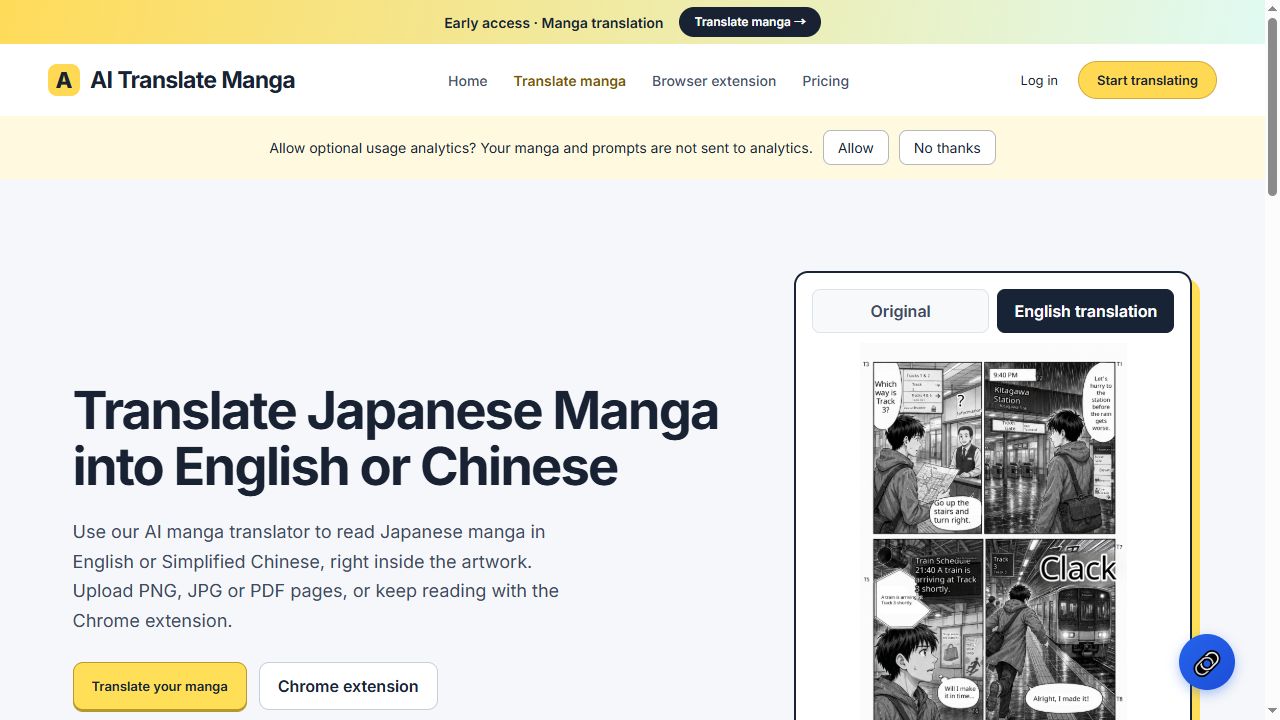
AI Translate Manga lets you read Japanese manga in English or Simplified Chinese directly inside the artwork. The service works from uploaded images or PDFs and from a desktop Chrome extension that translates images while you read.
The workflow starts by signing in with Google. A free sign‑in gives you four page credits that are valid for 30 days. If you need more, you can purchase a one‑time pack of 100 page credits for $4.99 that lasts 12 months and does not renew automatically. When you log in, your credit balance and past translations stay tied to your account on both the website and the extension. To translate a page, you choose PNG, JPG (up to 5 MB each) or PDF (up to 50 MB), and you can submit up to 20 pages in a single batch. Each page that is successfully translated consumes one credit.
The tool first detects dialogue inside panels and speech bubbles. It removes the original Japanese lettering and then renders translated text back into the same location. You can view the original and the translated result side by side, or toggle the translation on and off. The translated pages can be downloaded as images or PDFs. When using the Chrome extension, the translation runs only on the current visible view of a page and can be set to auto‑translate as you scroll. The extension works with loaded PNG/JPG images and visible Canvas views; it does not support embedded iframe readers or mobile Chrome.
The output quality tends to be good for ordinary dialogue. Dense lettering may overflow its bubbles, and sound‑effect text can be misinterpreted. The service warns that only pages you own or have permission to translate should be used.
Key features
- Upload PNG, JPG up to 5 MB or PDF up to 50 MB, 20 pages per batch
- Detects text in panels and speech bubbles, removes original lettering, inserts translation
- Toggle view of original vs. Translated page, download results
- Free Google‑signed‑in account gives 4 page credits valid 30 days
- One‑time $4.99 pack of 100 credits, no auto‑renewal
Details
- Pricing
- Freemium · from $4.99 one-time (100 page credits)
- Category
- Translation
Suggest an edit
Sign in to suggest an edit.
Pros and cons
Pros
- Direct translation inside artwork keeps visual context
- Supports both English and Simplified Chinese
- Cloud‑based save of results tied to Google account
- Extension available via Chrome Web Store, works on desktop only
Cons
- Quality varies with dense lettering or sound effects
- No support for iframe readers or mobile Chrome
- No published pricing beyond free credits and single purchase pack
- Requires a Google sign‑in to access credits and history
Alternatives
 Image Translator Manga TranslatorTranslateImg is an online AI image translator.
 Gpt TranslatorAI-powered translation platform using GPT technology for accurate and instant translations.
 DeepLDeepL translates text and whole Word, PowerPoint and PDF files, with glossaries, style rules and a Pro promise that your texts aren't used for training.
 Subtitlesdog Best AI Subtitle TranslatorAI-powered subtitle translator for fast, high-quality video translations in 100+ languages.
 MachinetranslationMachineTranslation.com is an AI translation platform built by Tomedes, a translation company.
 Coefont CloudAI Voice Hub offering text-to-speech, voice changing, and AI voice creation.
 Targum VideoAI-powered video translation service for quick and easy language translation.
 PinchReal-time AI voice translation for video conferencing in 30+ languages.
 AI Powered Web Exploration WebqueryWebQuery is a web app that lets you hold a conversation with any link.
 SpeechpulseSpeech recognition and translation software for real-time typing, transcription, and subtitle generation.
 PdfgearPDFgear is a PDF editor that lets you read, edit, convert, merge and sign PDF files across devices.
 Quizbot AIQuizbot.ai is an AI quiz and question generator.
Pricing
- Pricing model: Freemium
- Starting price: $4.99 one-time (100 page credits)