


ANOLISA
ANOLISA (Agentic Nexus Operating Layer & Interface System Architecture) | Agentic OS with runtime, security, observability, and Tokenless response compression f
Sign in to rate this tool.
Overview
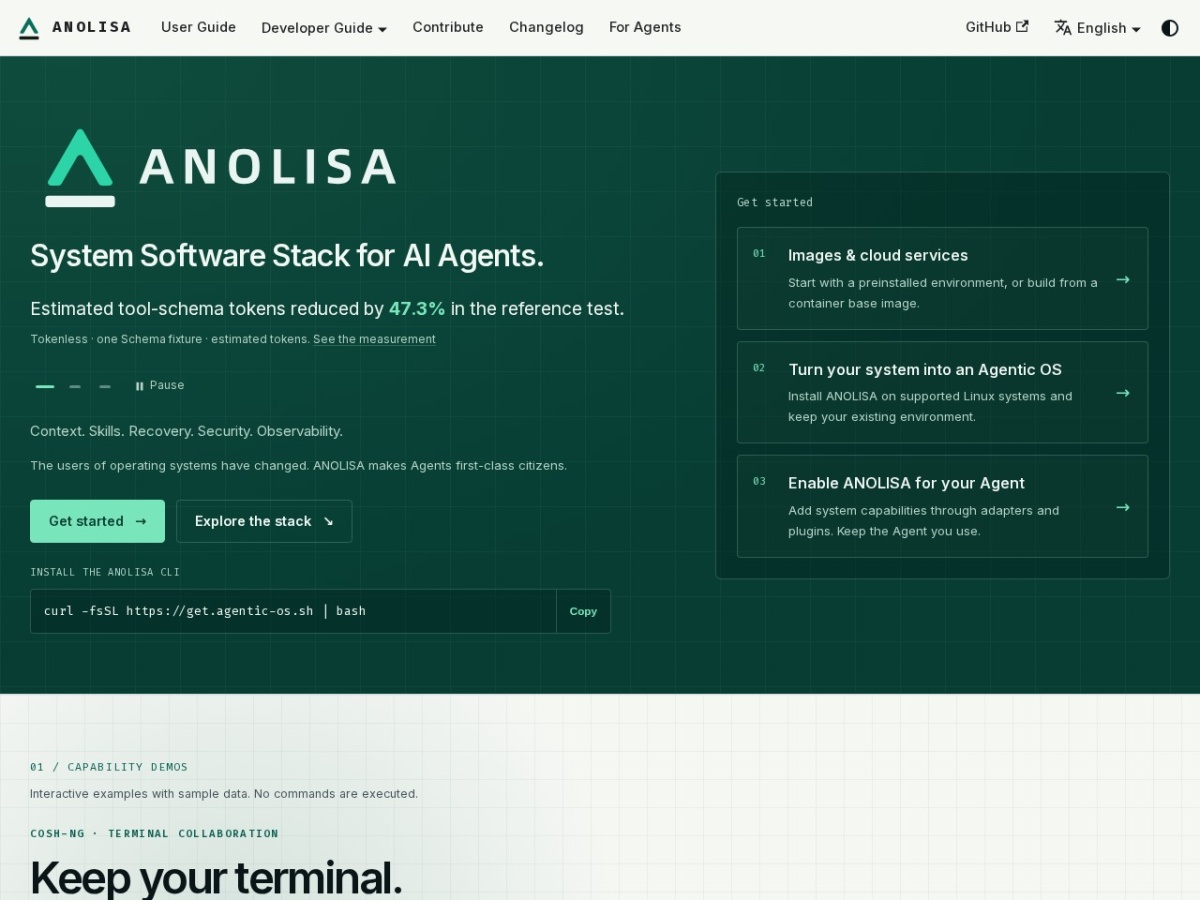
ANOLISA is a system‑software stack that turns a Linux host into an “Agentic OS,” adding runtime support, security, observability and a token‑compression layer for AI agents. The provider highlights a reference test where token usage dropped by about 47 % after the tool's output is compressed before it reaches the model. Installation is performed through a single CLI command (`curl -fsSL https://get.agentic-os.sh | bash`), after which the components can be enabled on supported distributions without removing the existing environment.
The stack is divided into three conceptual layers. The User Entrypoint Layer offers the cosh‑ng terminal, which keeps your regular bash or zsh session while allowing you to type natural‑language requests. When you ask for a task, the terminal parses the intent, asks for approval if needed, and then runs the corresponding command, preserving the keyboard control for you. The Unified Stack Layer (AW) acts as a bridge between the agent framework you already use and the OS‑level services; adapters and plugins can be added so that the agent continues to operate with its original code base. The Agent Semantic Layer contains several utilities:
- AgentSight uses Linux eBPF tracing (requiring root or CAP_BPF + CAP_PERFMON) to record trajectories, LLM calls and token consumption, exposing the data for later inspection.
- Tokenless compresses tool output and simplifies schemas, so the model receives a smaller payload; the stack reports the estimated token reduction.
- SkillFS mounts a virtual filesystem that lists “Skills” – predefined OS instructions such as system administration or DevOps tasks, which agents can read on demand.
- Workspace Checkpoint (ws‑ckpt) creates a snapshot of the file system state; in a historical stress test the rollback completed in roughly 108 ms, allowing you to revert unintended changes.
- Agent Security Core classifies commands as risky and can enforce sandbox policies, preventing agents from executing potentially harmful operations.
Typical usage starts with installing the CLI, enabling the stack, and then invoking an agent through the cosh‑ng terminal or via SDK calls. Input can be a plain‑language instruction, a command line, or a request to read a Skill file; output may be the executed command's result, a compressed token payload, or a telemetry report from AgentSight.
Details
- Pricing
- Free
- Category
- Agents
Suggest an edit
Sign in to suggest an edit.
Pros and cons
Pros
- Provides a unified stack that adds runtime, security and observability to existing agents.
- Token compression and schema simplification aim to lower inference costs.
- Workspace rollback and checkpointing give quick recovery from unwanted changes.
- Observability tools expose detailed execution traces without modifying agent code.
Cons
- Requires root or specific capabilities (CAP_BPF, CAP_PERFMON) to run certain observability components.
- Documentation does not include pricing or licensing details.
- Limited to Linux environments; no mention of support for other operating systems.
Alternatives
 CirclechatCircleChat is a team chat app in which AI agents work alongside people.
 Roe AIRoe is an agentic investigation platform for fraud and anti-money laundering teams.
 TavilyTavily is a search engine built for AI agents and large language model applications.
 ComposioComposio is a platform that gives AI agents secure access to external apps and tools.
 Wotnot IoWotNot is a no-code platform for building AI agents that handle customer conversations.
 NopsnOps is a cloud cost optimisation platform for engineering and finance teams.
 Retell AIRetell AI is a platform for building, deploying and managing AI voice agents that automate phone calls.
 Resleeve AIResleeve is a workspace that puts your team and AI bots in the same place.
 Featherless LlmFeatherless is a serverless hosting service for open large language models.
 MindstudioMindStudio is a platform for building powerful AI agents for yourself, your team or your enterprise without coding.
 Sourcery SentinelSourcery is an AI code reviewer for pull requests on GitHub and GitLab.
 LitellmLiteLLM is an open-source AI gateway and LLM proxy for platform teams.