


dagu
Self-hostable workflow orchestrator for teams whose main work isn't orchestration. Declarative YAML over your scripts, SSH commands, containers, etc; keep workf
Sign in to rate this tool.
Overview
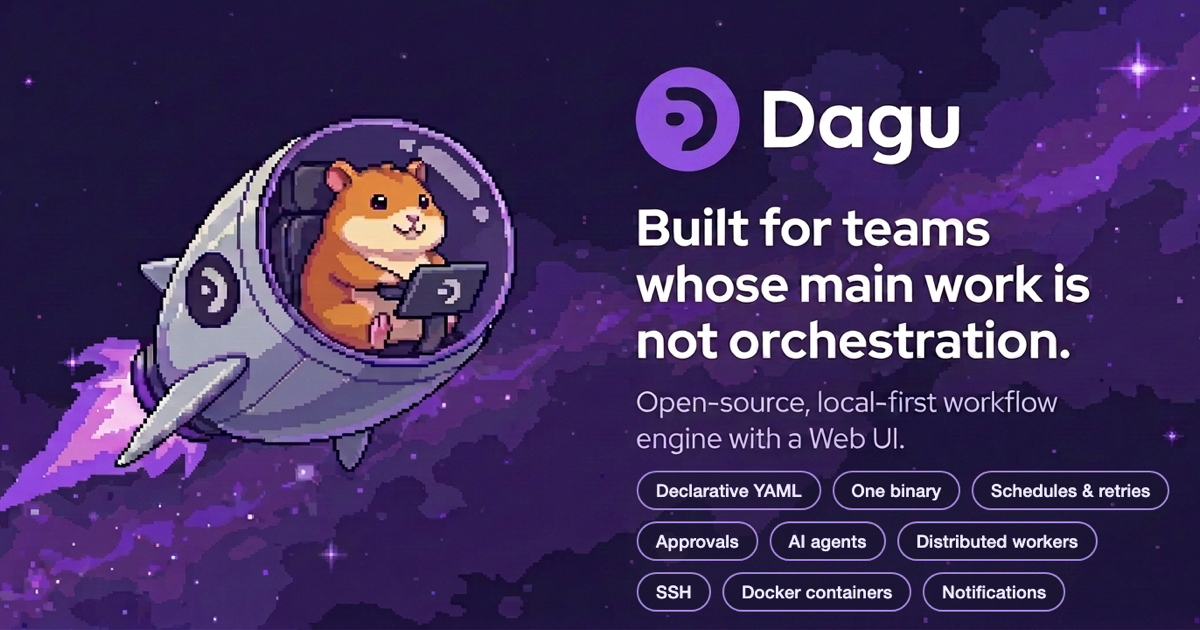
Dagu is a local‑first workflow orchestrator that lives in a single binary. Teams that focus on application logic rather than orchestration can place workflow definitions in YAML files outside the code base. The orchestrator reads those files, runs each step, and records status and logs, all without any external database or broker.
A typical workflow file lists steps one after another. For example, `hello.yaml` contains two `command` steps: an `echo` that writes “Hello from dagu.” and an `ls -la` that lists the files in the current directory. Each step is run in the order written. If isolation is required, a step can be a `docker.run` action that pulls an image and executes a command inside the container. Remote servers are handled with SSH: you specify a command and Dagu streams the output back to the local UI. Steps may also be human tasks; the orchestrator pauses until a person completes a required action.
Once installed, the binary can be launched with a single command. After `dagu start-all` the Web UI starts on `http://localhost:8080`. The interface shows the DAG structure, a log panel for each run, and an execution history list. Users can start, stop, or retry runs directly from this UI. Webhooks are also supported: events from GitHub, Stripe, or Slack can trigger a workflow even if the machine has no public address. The scheduler understands cron syntax, a step can specify `schedule : "0 2 "` to run nightly at 02:00, with timezone support and manual controls.
The binary is cross‑platform. If you prefer containers, you can run it with Docker or Helm; it can also first be installed via a short curl script or through Homebrew. The orchestrator can scale by deploying a coordinator that dispatches jobs over gRPC to workers labeled by capabilities like `gpu=true`. The queues are file‑based, so concurrency limits are applied per DAG.
Because state and logs live in local files, Dagu operates well in air‑gapped or isolated environments. The system does not ship SSO, RBAC, or audit logs unless you add a self‑host license. Pricing for enterprise features is not disclosed on the site. The tool is best suited for developers who need a lightweight, immediate orchestrator for scripts, containers, or remote commands, and who do not rely on a database backend.
Details
- Pricing
- Free
- Category
- Data
Suggest an edit
Sign in to suggest an edit.
Pros and cons
Pros
- Simple installation on macOS, Linux, Windows, Docker, Helm
- Runs locally or over SSH, keeping scripts and containers untouched
- State and logs stored in files, suitable for air‑gapped environments
- Scheduler supports cron syntax, timezone, and manual controls
- Supports nested workflows for reusable components
Cons
- No built‑in SSO, RBAC, or audit logs without a self‑host license
- Pricing details not published on the site
- Limited explicit support for cloud‑provider specific orchestration
- Scalability details are generic; no published benchmarks for large clusters.
Alternatives
 LakesailLakeSail is a data and AI platform built around Sail, an open-source compute engine written in Rust that is compatible with Apache Spark.
 Excel Formula BotBetter Analyst is an all-in-one analytics app for individuals and growing businesses.
 KadoaKadoa is a web data platform built for finance.
 AskyourdatabaseAskYourDatabase is an AI tool for chatting with SQL databases.
 Quadratic MultiplayerQuadratic is an AI spreadsheet that connects to your data sources and helps you analyse them in a familiar grid.
 AdminforthAdminForth is an open-source, self-hosted framework for building back-office and admin panels, released under the MIT license.
 Navamai Enhance Your Craft With AINavamAI is an open-source command-line tool that turns your terminal into a personal AI assistant.
 CerebriumCerebrium is a serverless infrastructure platform for real-time AI workloads.
 Js2tsJS2TS is a free online tool that converts JavaScript code into TypeScript using AI.
 v0 by Vercelv0 by Vercel generates full-stack web apps from prompts, syncs with GitHub and deploys to Vercel in one click, with per-model token pricing.
 AI Assisted Contember StudioContember Fabrika is a platform for companies that want to build their own internal applications with AI while keeping security control.
 Maxim AIBifrost is an AI gateway made by Maxim AI.