


FluidVoice
Fastest and only macOS Dictation app with on-device STT and custom trained AI enhancement model. Windows, iOS testflight! Android, Linux waitlist open! A local
Sign in to rate this tool.
Overview
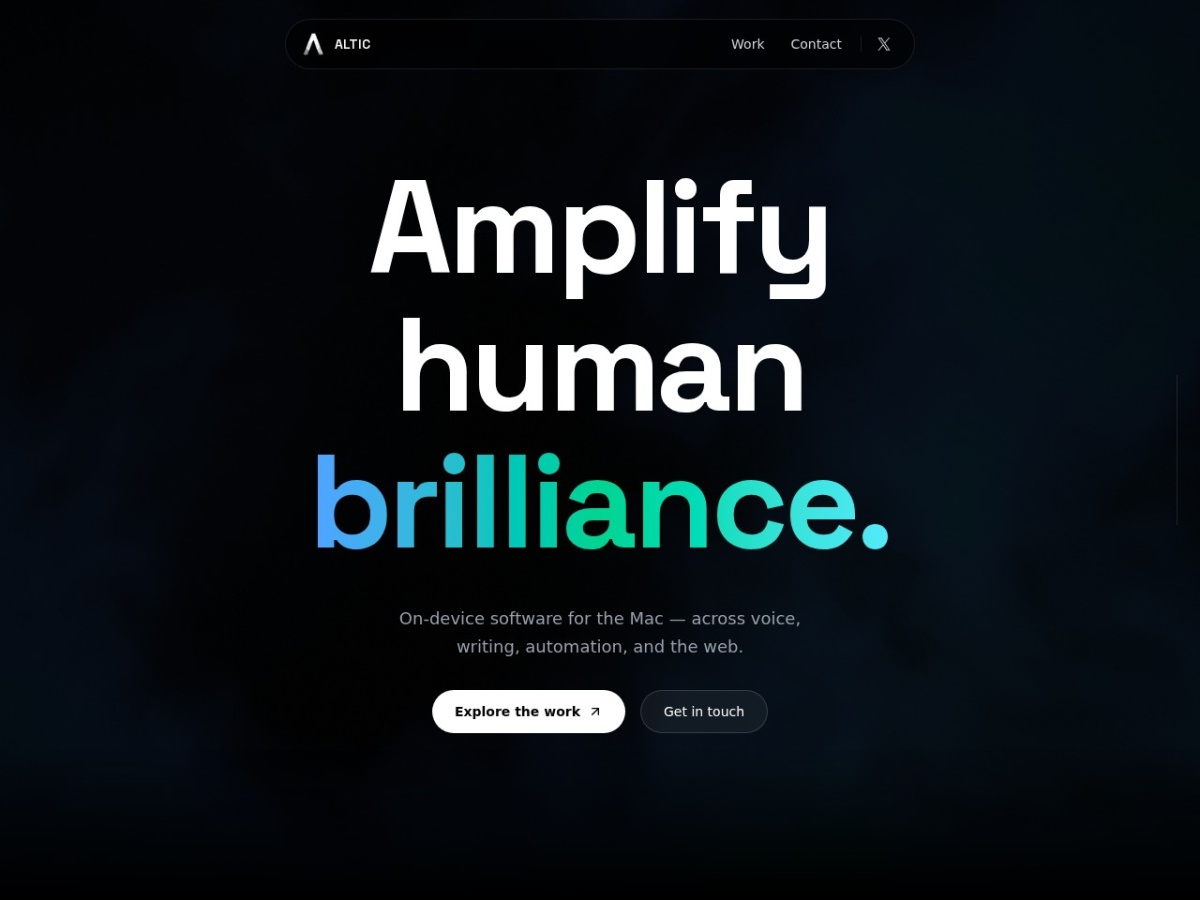
FluidVoice is a dictation application built for macOS that converts spoken words into written text without sending any audio to the cloud. The product description highlights that the speech‑to‑text engine runs entirely on the local machine, which the listing presents as a privacy‑focused alternative to online dictation services. It is one of several on‑device tools offered by Altic, alongside upcoming products for autocomplete and automation.
The software is intended for users who need hands‑free text entry on a Mac and who prefer their voice data to remain on the device. Typical inputs are natural speech captured through the Mac's built‑in microphone or an external mic that the app can access. As you speak, the on‑device model processes the audio in real time and produces a textual output that appears at the current cursor position in any editable field, documents, email drafts, chat windows, or notes. Because the transcription happens locally, there is no requirement to configure network permissions, manage API keys, or worry about latency caused by round‑trip server calls. The output stays on the computer, which the listing emphasizes as “keep every word on‑device.”
In practice, you launch FluidVoice, grant microphone access, and begin dictating. The app listens continuously, parses the audio with its custom‑trained model, and inserts the resulting text instantly. This workflow allows you to keep your hands on the keyboard for occasional corrections while the bulk of the content is generated by voice. Users who spend much of their day writing in macOS applications, such as writers, developers, or professionals handling repetitive reports, may find the tool convenient. Conversely, people who rely on cross‑platform dictation or need support for languages not covered by the model would not benefit from the current macOS‑only release.
The website does not provide details about language coverage, accuracy rates, or options to train the model with domain‑specific vocabulary. It also does not list pricing, subscription tiers, or a free‑trial period, leaving those aspects unclear. The broader Altic suite mentions related features like FluidWrite (autocomplete) and MCP (automation), suggesting that FluidVoice could be combined with other on‑device capabilities, but the listing does not explain how those integrations work in practice.
Key features
- On‑device speech‑to‑text engine that runs entirely on macOS
- Real‑time transcription inserted at the active cursor location
Details
- Pricing
- Free
Suggest an edit
Sign in to suggest an edit.
Pros and cons
Pros
- Keeps voice data on the device, enhancing privacy
- Functions offline, useful in environments without reliable internet
- Immediate text insertion reduces context switching between apps
- Integrated with the macOS ecosystem, allowing use across many native applications
Cons
- Available only for macOS at present; other platforms are listed as future or waitlist options
- No pricing or subscription information is disclosed on the site
- Language support, accuracy metrics and customization options are not described
- Lack of documentation on advanced dictation settings or model training.
Alternatives
 UpscaylUpscayl is a free, open-source AI image upscaler for Linux, macOS and Windows, with a paid Upscayl Cloud service for browser upscaling, editing and generation.
 SpeechpulseSpeech recognition and translation software for real-time typing, transcription, and subtitle generation.
 FixkeyAI writing assistant for Mac that adapts to your style.
 Talkatoo ComTalkatoo is AI scribe, dictation and assistant software built for veterinary practices.
 Kilo AIKilo, also known as Kilo Code, is an open-source AI coding agent.
 BeamBeam is a native macOS app that puts ChatGPT one hotkey away.
 OpensilverOpenSilver is an open-source framework for building web applications with C# and XAML, as used by WPF and Silverlight.
 Wiz WriteWizWrite is an AI dictation and voice-to-text app.
 Clipto ComAI-powered media management assistant with transcription, video editing, and asset management tools.
 PdfgearPDFgear is a PDF editor that lets you read, edit, convert, merge and sign PDF files across devices.
 LitellmLiteLLM is an open-source AI gateway and LLM proxy for platform teams.
 RuncomfyRunComfy is a cloud platform for ComfyUI, the popular node-based interface for running open-source image and video generation models.