


Sign in to rate this tool.
Overview
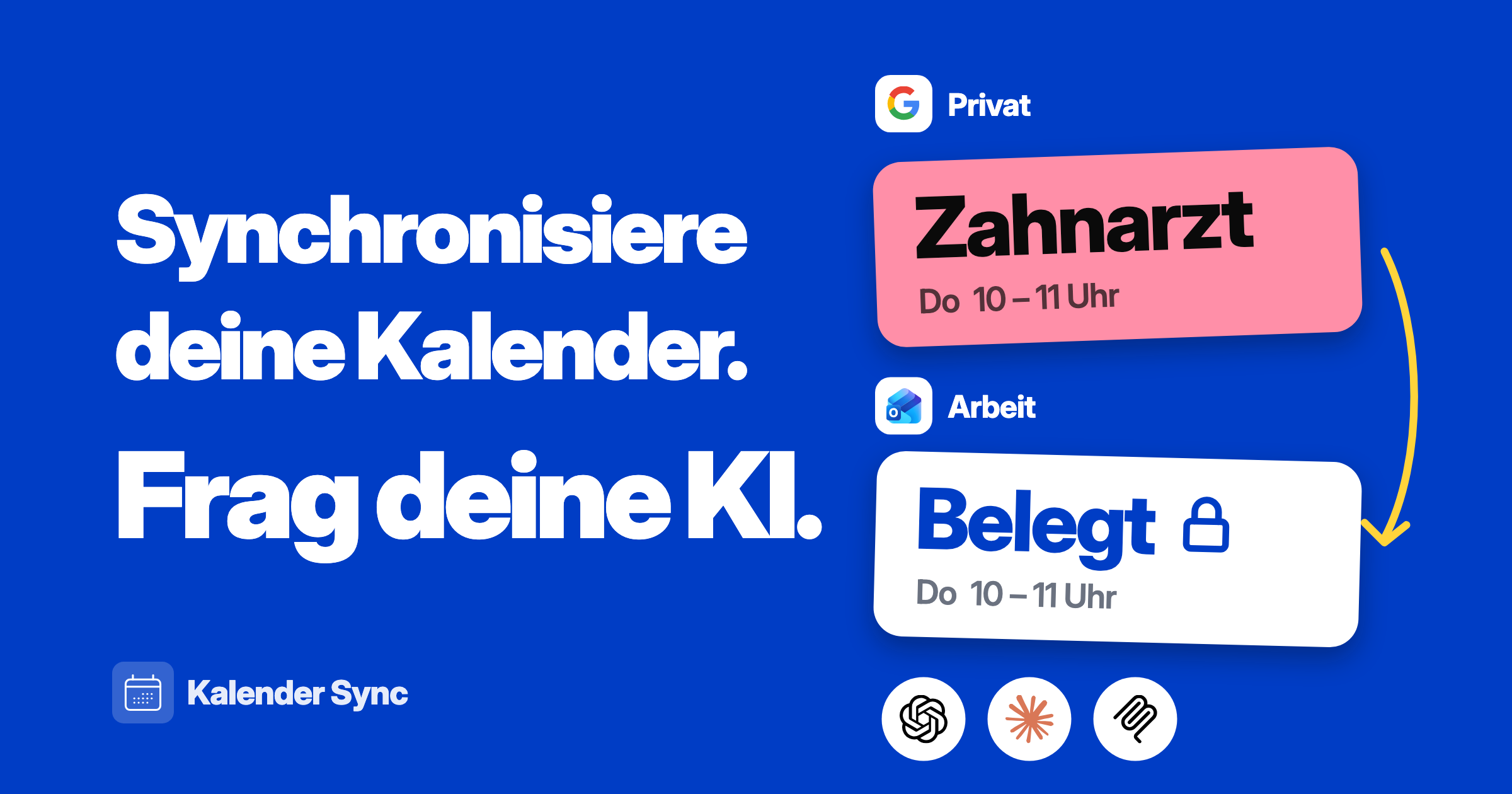
Kalender Sync is a German‑hosted service that synchronises your personal and work calendars automatically. It connects Outlook, Google, Apple iCloud, GMX, WEB.DE, mailbox.org, Posteo, KSuite, Nextcloud and STRATO, and runs in real‑time either one‑way or two‑way. The platform is advertised as GDPR‑compliant and starts at 5 € per month for the Basic plan, with a 50 % discount on the first year if you sign up before 27 October with the code PH50.
During your first connection you pick the calendars you want to sync and set the visibility for each one. The options are: “busy only”, “title + time” or “full details”. If you grant write access the calendars can be updated by the service and by any connected AI agent. The API endpoint for the sync service is https://app.kalender-sync.de/mcp. Integration is available for several AI platforms: Claude, ChatGPT, Codex, Grok, Cursor and OpenClaw. Each integration has a simple instruction set; for example, a Claude user copies a small command that adds the Kalender Sync server to the assistant's transport configuration, while a ChatGPT user installs the Kalender Sync plugin and follows the onboarding flow. When an agent is connected, it can read your calendar entries and create new ones, using the visibility level you chose. The agent receives calendar data in JSON, and can post events back to the same endpoint.
The free trial lasts seven days and does not ask for a credit card; it allows you to test syncs with the calendars you own. After the trial the Basic plan costs 5 € per month, and a Premium or Professional plan is available but the pricing and limits for that plan are not disclosed on the page. The service's privacy policy notes that all data stays within German borders, but no further details on data retention or access logs are provided.
Kalender Sync is suitable for individuals or small teams who already use a mix of the supported email/calendar services and want one source of truth for all meetings. It can also be useful for AI developers who need a reliable, real‑time calendar source for an assistant. The service may not be ideal for users who rely on calendar providers that are not listed (e.g., Microsoft 365 outside Outlook, or proprietary private calendars).
Details
- Pricing
- Free
- Last checked
- 6h ago
- Indexing
- noindex, follow
- Category
- Chat
Suggest an edit
Sign in to suggest an edit.
Pros and cons
Pros
- Broad support for mainstream calendar services
- Fine‑grained control over shared information
- AI agents can schedule and read events automatically
- Transparent entry‑level pricing and a discount offer
- No credit card needed for initial testing
Cons
- No public detail on limits or quotas for Basic or higher plans
- Pricing for Professional plan is not disclosed
- Integration instructions vary by agent and require manual key insertion
- Only the calendars listed are supported, leaving out other possible providers
Alternatives
 ChatbluAI ChatBot Assistant for E-Commerce, integrates with Shopify, customizable dashboard.
 Dockyai Chatgpt Sidebar Chrome ExtensionTeams running regular ai chatbots campaigns turn to it for repeatable output, and solo creators use it to push through tasks that would otherwise stall their day. Before you decide,...
 FlowsavvyFor anyone who lives in the ai agents space, Flowsavvy is a refreshing find. The setup is light, the results are solid, and nothing is hidden behind menus. It also...
 DartYou are not locked into a single way of doing things. Dart supports your existing habits instead of forcing a new one, which makes adoption within a team much smoother....
 Dhtmlx ChatbotThe tool is free, which keeps the barrier to entry low. You can try it before deciding whether it earns a permanent place in your workflow. For a straightforward look...
 ChatGPTChatGPT review (October 2026): features, verified Free, Go, Plus and Pro pricing, who it suits, pros, cons and alternatives on AIMAPER.
 Skedpal ComSkedpal Com is a focused ai productivity solution that answers a clear need. You can see what it does within minutes of opening the page. The tool has been refined...
 Read Speaker CoachIt may be useful to professionals exploring ai marketing workflows; suitability...
 Claude AIClaude review (October 2026): Anthropic's AI assistant, key features, verified Free, Pro, Max and Team pricing, pros, cons and alternatives.
 Linkly AIYou will find a free plan, making it easy to test the tool against your own needs first. The practical way to judge it is to use it. The design...
 Saga AIPricing is free, and there is no pressure to commit before you have seen results in your own context. For anyone who lives in the ai productivity space, Saga AI...
 Trevorai ComThe whole experience is built around finishing things. From the first run onward, you are guided toward complete, usable results rather than half-finished experiments. If ai productivity tasks take up...