


KiroCrew
A persistent workspace for development work that self-improves and continues beyond one session.
Sign in to rate this tool.
Overview
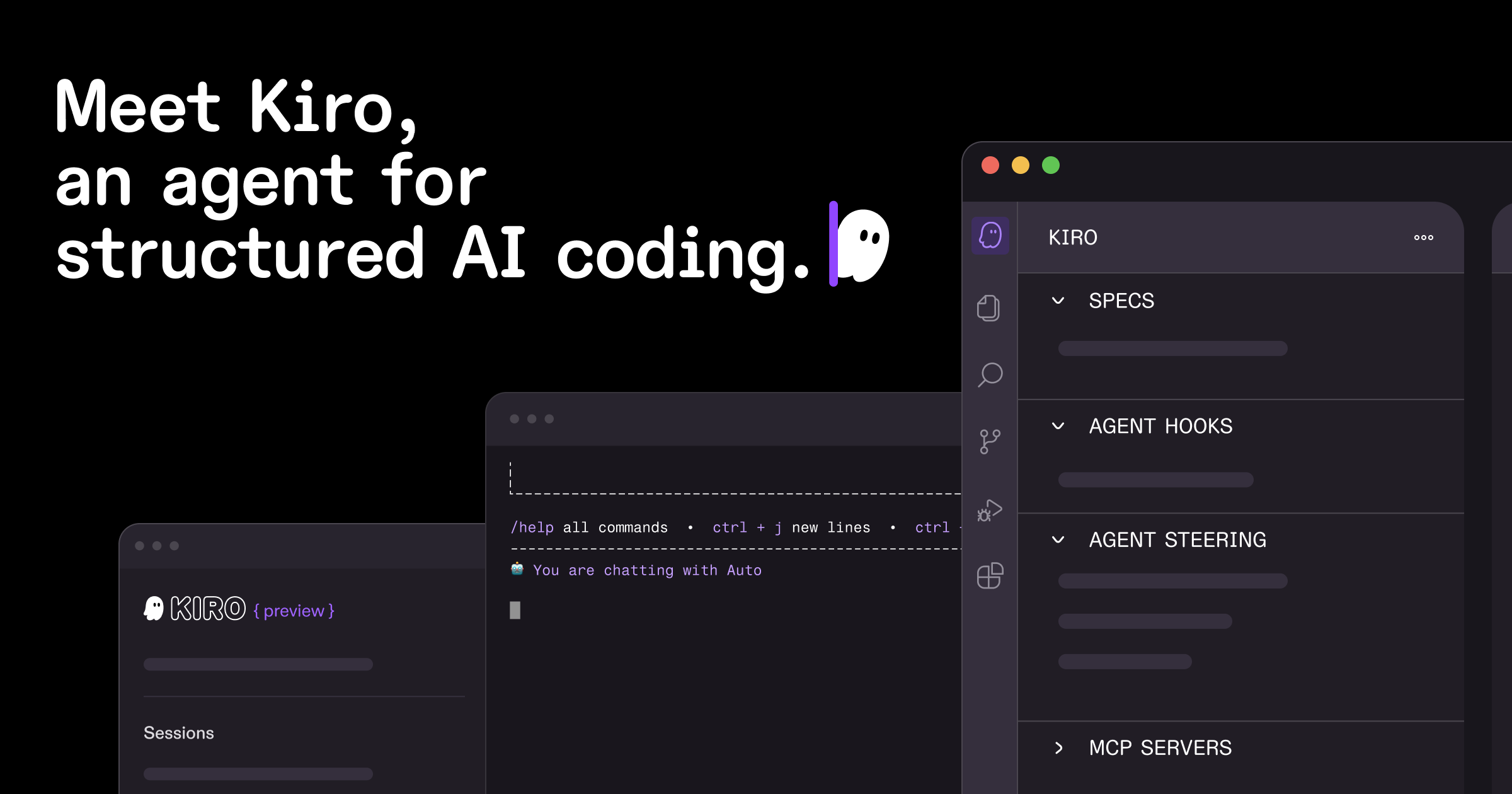
Kiro is a persistent workspace tool that aims to keep a developer's state across sessions and improve code quality through agentic engineering. The product turns natural language prompts into concrete specifications and uses parallel agents to implement, test, and validate the resulting code. It runs both locally via a CLI and on the cloud, and can be integrated into CI/CD pipelines to review pull requests without opening an editor.
You start Kiro by installing its CLI with a simple curl command, then launch a cloud session that stores your working context. From there you can feed a descriptive prompt into the tool. Kiro parses the prompt into an architectural design and a list of sequential tasks. Each task is handed to an autonomous agent that writes code, commits changes, or runs tests. The agents can pull context from external sources such as Figma or Terraform contracts, which is useful when working on large codebases that rely on design or infrastructure specifications.
Before code runs, Kiro checks the specification for contradictions and gaps using automated reasoning. After generation, it runs property‑based tests, similar to fuzzing, that assert rules that must hold for all inputs. This approach uncovers bugs that traditional unit tests might miss. Property tests are generated automatically when a new spec is created, and you can also write custom tests for specific endpoints. The results are available in the CLI, and a PR can be created automatically with the new changes and tests.
Kiro supports a wide model catalog. The default “auto” model picks the most efficient model for a task, balancing quality, latency, and price. You can also choose specific Anthropic Claude, OpenAI GPT, or open‑weight models like DeepSeek or Qwen. Pricing is handled via credits that reflect each model's cost relative to the auto baseline. The system tracks cost multipliers (for example, gpt‑5.6‑terra is 2.2x the auto base cost) and can be set per session. The CLI also supports rate limiting on the export endpoint to safeguard against runaway usage.
Key features
- Turns prompts into executable specs and architectural plans
- Parallel agents implement tasks and pull context from tools such as Figma and Terraform
- Automated reasoning checks for specification gaps and contradictions
- Property‑based testing that catches edge‑case bugs missed by unit tests
Details
- Pricing
- Free
- Category
- Code
Suggest an edit
Sign in to suggest an edit.
Pros and cons
Pros
- Spec‑driven workflow reduces mismatches between intent and implementation
- Property‑based tests provide broader coverage than typical unit tests
- Model selection and cost tracking give flexibility for varying workloads
- Persistent workspace retains state across sessions and remote environments
Cons
- No published pricing details for each plan on the website
- Lack of explicit user limits or concurrency information
- Documentation focuses on CLI and cloud usage; GUI details are minimal
- Model end‑of‑life dates may impact long‑term availability of certain options
Alternatives
 QodoQodo (formerly CodiumAI) reviews pull requests with multiple AI agents that learn your team's rules, check cross-repo impact and map your services.
 LitellmLiteLLM is an open-source AI gateway and LLM proxy for platform teams.
 Dot SymbolCopy dot symbols and check their Unicode, HTML, CSS, JavaScript, and keyboard references.
 ClineCline is an open-source coding agent for VS Code, the terminal, desktop and cloud that works with your choice of model provider and your own API keys.
 CursorCursor review (October 2026): AI-first code editor with agents, verified Hobby, Pro, Pro+, Ultra and Teams pricing, privacy mode, pros and cons.
 Applitools EyesApplitools is an AI-augmented testing platform that combines Visual AI with deterministic checks to catch visual and functional bugs.
 AgentqlAgentQL is a set of developer tools for connecting AI agents and large language models to live websites.
 GitHub CopilotGitHub Copilot review (October 2026): AI coding assistant in your editor and on GitHub, verified Free, Pro, Pro+ and Max plans and AI Credits explained.
 WarpWarp pairs a modern terminal with coding agents and cloud agent fleets, with usage included at API rates on its Build, Max and Business plans.
 KadoaKadoa is a web data platform built for finance.
 Cloud Contracts 365Cloud Contracts 365 is a contract management platform for managed service providers (MSPs) in the United States.
 CosineCosine describes itself as a sovereign AI lab.