

Sign in to rate this tool.
Overview
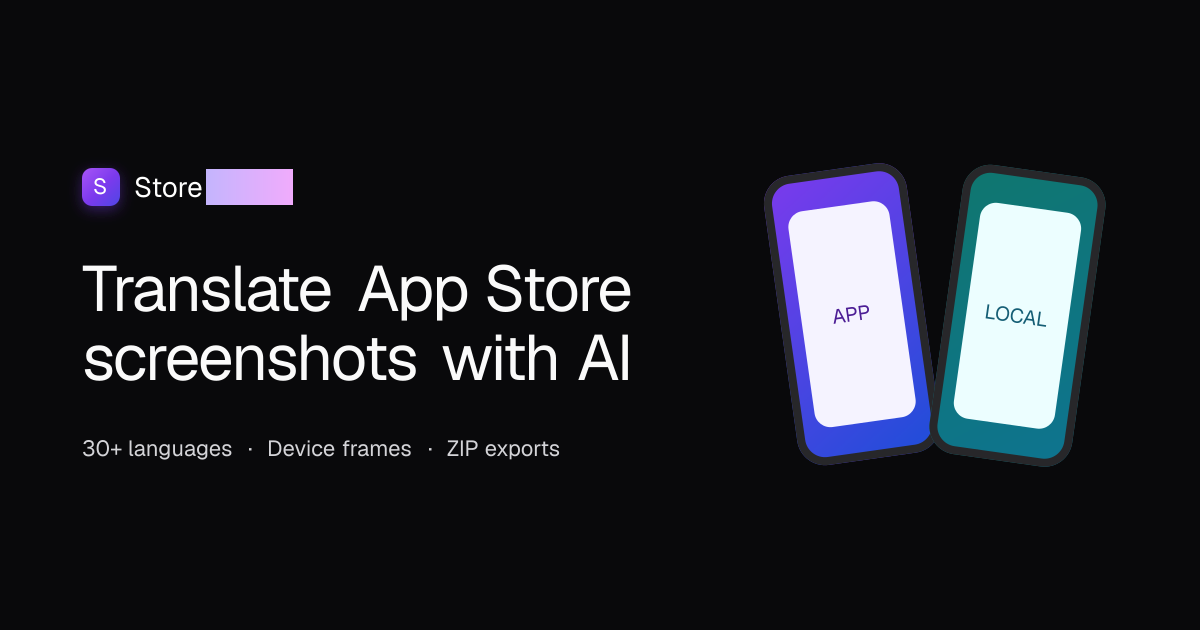
StoreLocale lets you translate the text that appears inside app screenshots for the Apple App Store and Google Play. The service accepts PNG, JPEG, WebP, or GIF screenshots, detects every user‑interface string, and repaints it in place while keeping the device frame, background, and any video or rating badges untouched. The final product is a ZIP file that contains a set of store‑ready PNGs, each sized to match the platform and store‑specific requirements, such as the 1320 × 2868 px iPhone 6.9" preset.
The workflow consists of four stages. First, you upload the screenshots; StoreLocale treats each file as a separate slide and removes any exact duplicates automatically. Second, you choose one or more target languages from a list of 32 options, including Japanese, German, Simplified Chinese, Traditional Chinese, and right‑to‑left languages like Arabic and Hebrew. Third, a vision model locates each UI string, capturing its coordinates, color, and weight. An image model then repaints those strings in the target language. If you wish, you can edit the translations in the editor before regeneration. Fourth, you review the source and translated images side by side in the web interface and then export the ZIP. Inside the ZIP the PNGs are organized by platform, language, and size preset, so you can upload the correct images straight to the App Store or Google Play developer console.
StoreLocale is aimed at app developers, quality‑assurance teams, and ASO specialists who need consistent, multilingual screenshots for global releases. It eliminates the need for design tools like Figma, because all edits are made directly in the editor's preview. It works best with screenshots where the UI text is clear; images that contain other complex graphics, overlays, or non‑text objects do not get altered, as video frames, posters, and rating badges remain masked. Developers with a modest workload will find the free tier sufficient, while the tool's pricing for larger volumes is not disclosed.
This description does not mention any built‑in quality‑control metrics, audit trails, or collaboration features for multiple reviewers. Likewise, no information is provided about whether the tool offers batch processing limits per day, or about a limit on the number of screenshots or languages that can be processed in a single project.
Key features
Details
- Pricing
- Free
- Category
- Language
Suggest an edit
Sign in to suggest an edit.
Pros and cons
Pros
- Handles complete in‑app UI, not just captions
- Automatic duplicate removal
- Export format ready for direct submission to the App Store or Google Play
Cons
- No public pricing information available
- No native design export formats beyond PNG
Alternatives
 LanguatalkLangua is an AI language learning app from LanguaTalk that focuses on building speaking confidence through conversation with human-like AI.
 SpeakpalSpeakPal is an AI language tutor for practising real conversations.
 DeepLDeepL translates text and whole Word, PowerPoint and PDF files, with glossaries, style rules and a Pro promise that your texts aren't used for training.
 Gpt TranslatorAI-powered translation platform using GPT technology for accurate and instant translations.
 Coefont CloudAI Voice Hub offering text-to-speech, voice changing, and AI voice creation.
 SpeechpulseSpeech recognition and translation software for real-time typing, transcription, and subtitle generation.
 Image Translator Manga TranslatorTranslateImg is an online AI image translator.
 Tolgee AI TranslatorTolgee is a localisation platform for software, and its AI translator speeds up translating apps into other languages.
 ScribewaveScribewave is an accurate online speech-to-text tool with transcription, translation, and subtitling in 90+ languages.
 EnconvoEnconvo is an AI agent for macOS that lives across your Mac.
 APPLOREAPPLORE is an app icon inspiration library of 18,000+ real App Store and Google Play icons, browsable by color, style and category, with every past version kept when an app…
 MachinetranslationMachineTranslation.com is an AI translation platform built by Tomedes, a translation company.