


Sign in to rate this tool.
Overview
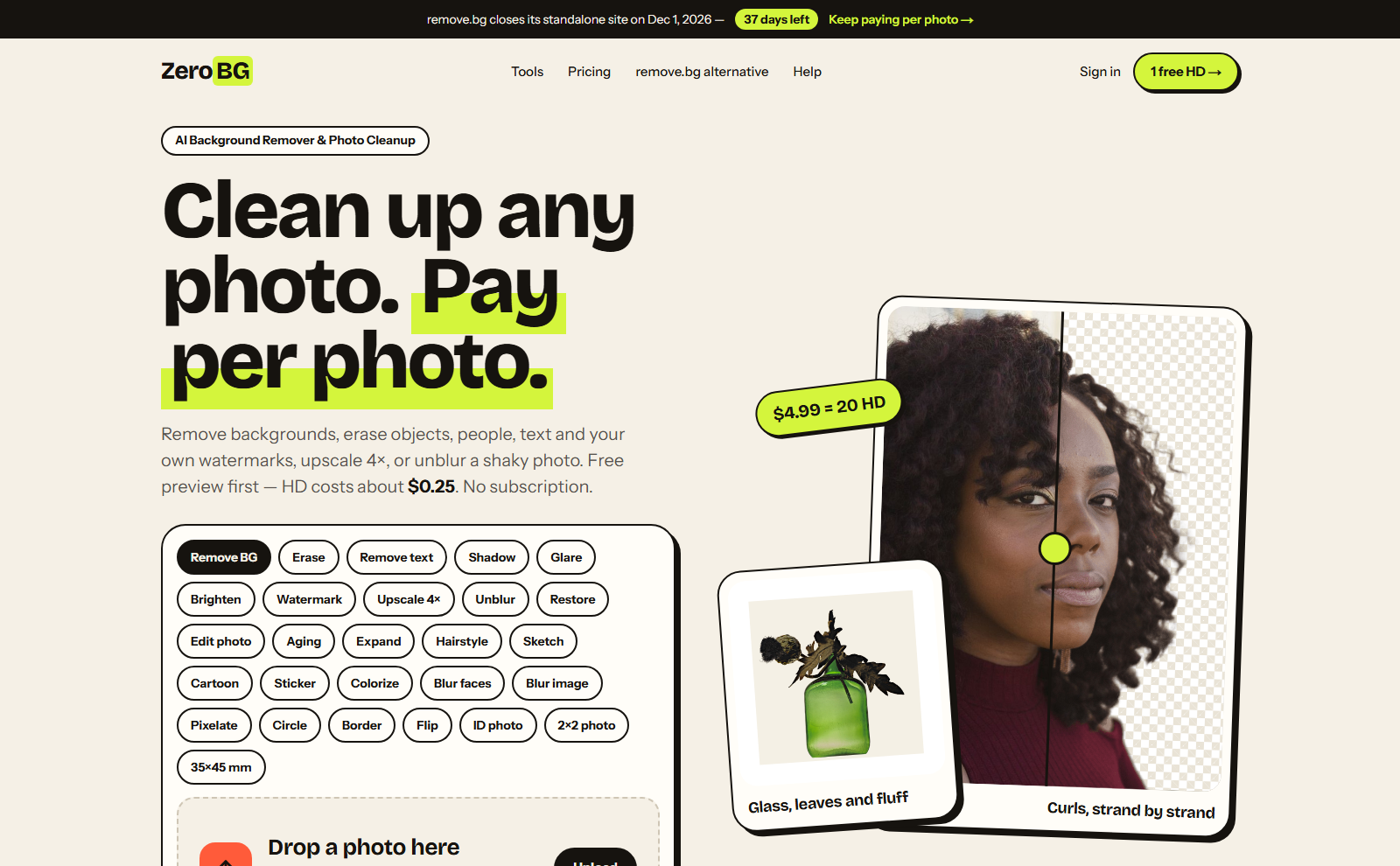
ZeroBG is a browser‑based AI background remover that lets you upload a JPG, PNG, or WebP file up to 25 MB and preview a 512‑pixel watermark‑free cutout in seconds. If the preview meets your expectations, you can download the full‑size image as a transparent PNG or switch it to one of four solid colors, white, black, red, or blue. No account is required for the preview; you only pay when you download the HD version.
The service targets online sellers, photographers, and designers who need clean product images quickly. You upload a photo of a product, a portrait, or a logo, and the AI identifies the subject, separates it from its background, and preserves delicate details such as hair, fur, glass, or fine whiskers. The result is the subject cut out at the original resolution, ready for use in store listings, marketing materials, or design projects. A free touch‑up brush lets you erase small background remnants or restore portions that the AI mistakenly removed, after which the full‑size file can be re‑rendered without additional cost. Because the tool can process up to ten images in one batch, it is efficient for moderate‑volume workflows. For users who prefer automation, the same API endpoint, compatible with remove.bg integrations, provides programmatic background removal at the same pay‑per‑image rate.
Pricing follows a straightforward model. A single HD download costs $1.99, while pre‑purchased credit packs start at $4.99 for twenty credits, each equivalent to one HD image, and never expire. The pay‑per‑image cost in a pack is approximately $0.25 per photo. The preview is free and watermark‑free, but the HD download carries the fee. The service does not offer a monthly subscription; for heavy use the platform notes that the credits do not reset each month, unlike some competitors. The site lists no integration with collaborative platforms such as Canva or Figma beyond providing a transparent PNG export.
Key features
- Free 512‑pixel preview with watermark, no account required
- Upload via drag‑drop, paste with Ctrl+V, or file dialog, up to 25 MB
- Outputs full‑size transparent PNG or solid white, black, red, or blue backgrounds
- Keeps curls, whiskers, and glass edges intact without hard outlines
- Free touch‑up brush for post‑AI corrections before final render
- Batch support for up to 10 images at once
Details
- Pricing
- Freemium · from $1.99 per HD photo
- Category
- Photography
Suggest an edit
Sign in to suggest an edit.
Pros and cons
Pros
- No subscription; pay per image or credit pack
- Unlimited, non‑expiring credits
- Supports JPG, PNG, WebP up to 25 MB
- Simple preview and download flow
- AI preserves fine detail and soft edges
Cons
- Single HD download costs $1.99 if not using a pack
- Price per image higher than some subscription models
- API requires setting up an integration separately
- No advanced editing layers or manual masking options
Alternatives
 AI Photo EditorAI Photo Editor is a browser-based tool that edits photos from a written prompt.
 ClaidClaid is an AI product photography suite for scenes, fashion models, video and enhancement, with a strong API and Free, Essentials, Pro and Business plans.
 PhotoroomPhotoroom is an AI product photo editor with background removal, AI scenes, fashion models, video ads, batch editing and an API, on Pro, Max and Ultra plans.
 AI Ease AI Photo EditorAI Ease is an online creation platform that brings many AI image and video tools together.
 PebblelyPebblely turns plain product photos into styled scenes with 100+ templates and custom prompts, on Lite, Basic and Pro monthly image plans.
 LensaLensa by Prisma Labs is a mobile photo editor with one-tap trend effects, beauty tools, an AI eraser and enhancer, hair try-on and presets.
 Stable VideoAI video model transforming images/text into videos.
 Let's EnhanceLet's Enhance upscales images up to 16x and 512 MP, enhances and restores photos, and runs on credits with free, Starter, Pro and Max plans.
 Photo RestorePhotoRestore is an online AI tool for restoring old family photographs.
 Image to ImageImage to Image is a web app that combines an uploaded photo with a text prompt to create a new version of that image, keeping useful visual context such as…
 MokkerMokker AI creates professional product photos from a single product image.
 Cleanup.picturesCleanup.pictures removes unwanted objects, people, text and defects from photos in the browser, free at 720px or full resolution with Pro.
Pricing
- Pricing model: Freemium
- Starting price: $1.99 per HD photo