


Getbutton AI Chatbots For Websites
GetButton's AI chatbot lets site owners add an AI agent trained on their own website content and documents.
Sign in to rate this tool.
Overview
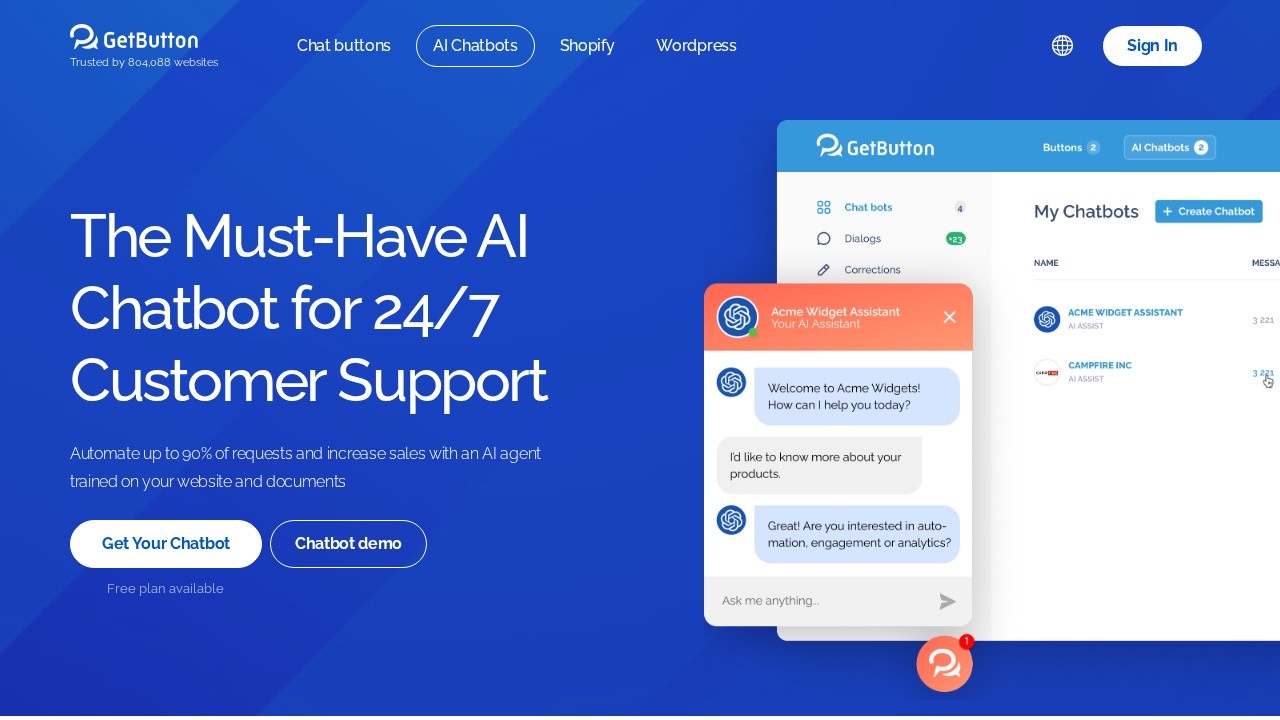
GetButton is known for its website chat buttons, and its AI chatbot product lets site owners add an AI agent trained on their own website content and documents. The bot sits in an on-site chat widget, answers visitor questions around the clock and can collect leads. GetButton says the chatbot can automate up to 90 percent of requests, which is the company's own estimate and will vary with how complete your content is.
How setup works
The setup flow has four steps: choose, customise, boost and activate. You create an AI chatbot, which the site says can be done for free, then pick how it opens, for example in a new tab or a popup on desktop. You can then adjust the widget's appearance and behaviour. The bot is trained on the pages of your website and on files you upload, so answers draw on your own material rather than general knowledge alone.
Customisation
The widget builder offers button colours, and many options are marked as Pro features: custom colours, hover text, a button image, popup display rules for desktop and mobile, form titles, language settings, QR codes, custom messages, pre-filled messages and agent name, position and avatar. Contact forms can collect name, email, phone and message fields. The interface itself is available in many languages, including English, German, Spanish, French, Portuguese, Turkish, Russian, Arabic, Korean and Thai.
Pricing
A free plan is available for creating a chatbot. Many branding and customisation options require the Pro plan. Current Pro prices are listed in the app rather than on the chatbot page, so check them before committing.
Who it suits
GetButton suits small businesses, online shops and service providers that want a simple AI support widget without a developer, especially those that already use GetButton's chat buttons.
Things to consider
Test the bot with real customer questions before going live, and keep your website content up to date so answers stay accurate. Set clear rules for when the bot should pass a conversation to a human. Check how visitor data and leads are stored to meet privacy rules such as GDPR, and add a notice that visitors are talking to an AI. Watch for limits on messages or training pages on the free plan.
Details
- Pricing
- Freemium
- Release date
- 2026-03-02
- Category
- Chatbot
Suggest an edit
Sign in to suggest an edit.
Alternatives
 Wotnot IoWotNot is a no-code platform for building AI agents that handle customer conversations.
 CustomgptCustomGPT.ai lets businesses build custom AI assistants and agents from their own content without writing code.
 Watermelon PulseWatermelon is a customer service platform built around AI agents.
 Dhtmlx ChatbotDHTMLX Chatbot is a JavaScript UI widget for building chat interfaces for AI support agents and assistants.
 Asklo AIAsklo AI is an AI shopping assistant for ecommerce stores.
 UchatUChat is a no-code platform for building AI agents and chatbots that talk to customers on messaging and social channels.
 DokkoDokko is a document AI platform for teams that work with contracts, manuals, policies and other long documents.
 Safina AISafina AI is an AI telephone assistant aimed mainly at German-speaking businesses.
 Excel Formula BotBetter Analyst is an all-in-one analytics app for individuals and growing businesses.
 AskyourdatabaseAskYourDatabase is an AI tool for chatting with SQL databases.
 WhatletterWhatLetter is an AI document translator and explainer for people who struggle with paperwork in a language they don't read well.
 ChatGPTChatGPT review (October 2026): features, verified Free, Go, Plus and Pro pricing, who it suits, pros, cons and alternatives on AIMAPER.