


Sign in to rate this tool.
Overview
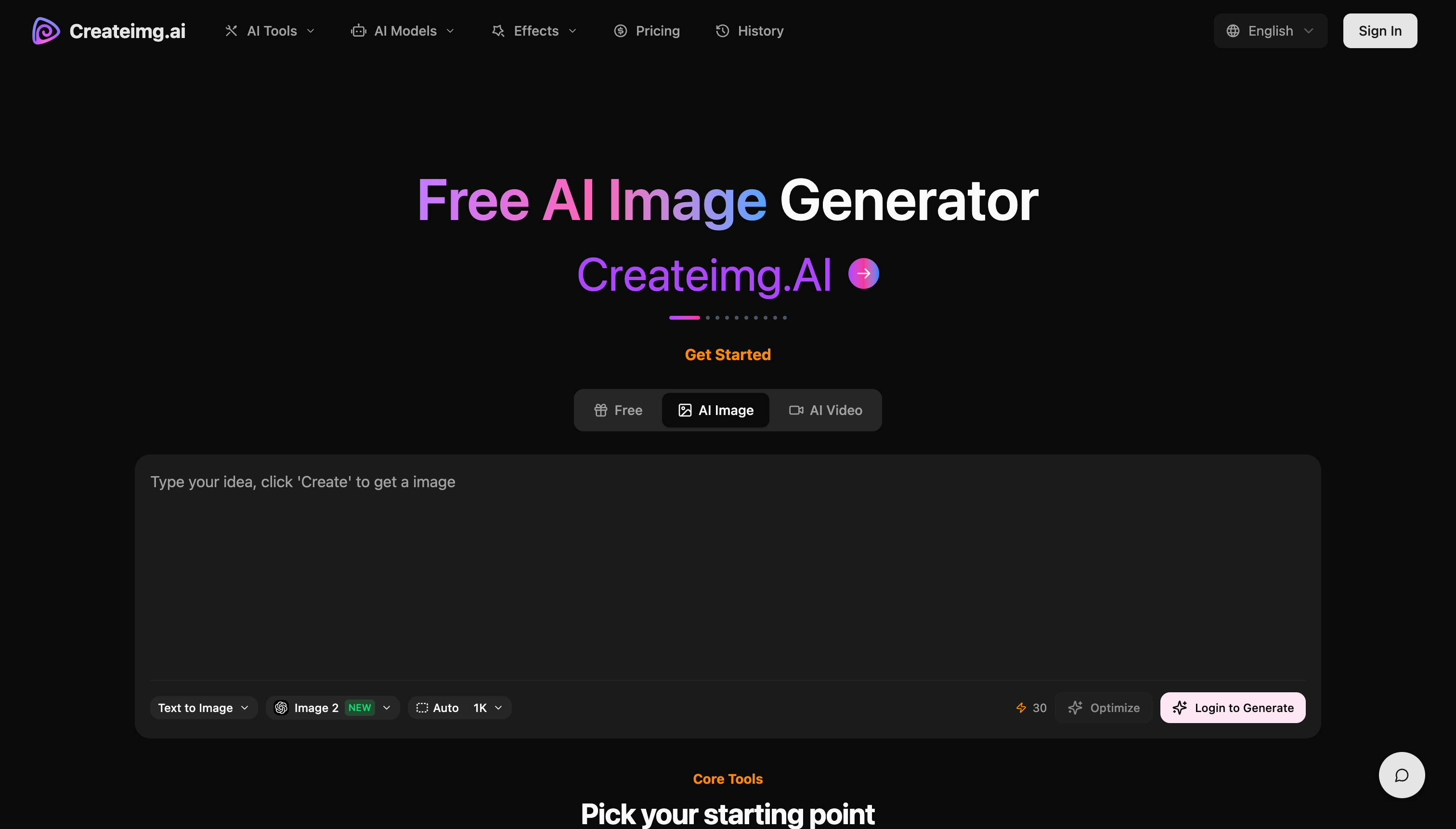
Createimg.ai is an online AI image creation platform that lets you produce new visuals from scratch or edit existing photos in a unified workspace. The tool hosts a selection of AI models and offers a set of specialized features for text‑to‑image, image‑to‑image, background removal, and style transformation. All functions are accessed from a browser with no local software installation.
In the text‑to‑image workflow you type a prompt, such as “a red fox in deep snow, morning light”, and the chosen model generates a rectangular image that matches the description. The prompt can include style cues and color palettes, and the result can be a realistic photograph, a vector illustration, or a sci‑fi concept. The tool accepts plain natural‑language input and returns a JPG or PNG that can be downloaded or copied directly to a design file. This makes it a fit for designers who need a quick visual draft, social‑media creators looking for eye‑catching thumbnails, or product marketers drafting ad mockups.
The image‑to‑image feature lets you upload a single image file (e.g., a product photo or a personal portrait). After the upload the interface asks for a prompt that describes the desired change: “restyle the background to a neon cityscape” or “add a Pixar‑style action pose to the character.” The AI processes the original image and the prompt to produce a new image that preserves the original's content while applying the requested style or element. This is useful for e‑commerce photo retouching, branding assets, and concept art iterations. The feature is less suited for large batch editing or for users who need precise pixel‑level control, because the transformation is driven by the AI rather than manual layers.
Createimg.ai also offers background‑removal and other editing tools within the same workspace. After selecting an image, users can click a button to strip the background or replace it with a solid color, while still being able to apply further style prompts. The workspace is split into two “starting point” tabs that contain the full model lineup and finer controls, allowing users to experiment with different models for the same prompt and to compare results side by side. The platform highlights acceptance of various creative scenarios, illustrations for shirts, memes, wedding photos, or product packaging.
Details
- Pricing
- Freemium
- Category
- Image
Suggest an edit
Sign in to suggest an edit.
Pros and cons
Pros
- No source photo needed for new image creation
- Supports realistic photos, illustrations, and stylized assets
- Provides a gallery of ready‑made prompts for inspiration
- Freely accessible to try out multiple models
Cons
- Pricing and credit details are not disclosed
- Maximum image size and export format options are unclear
- Limited information on batch processing capabilities
- No mention of developer API or third‑party integrations
Alternatives
 Chromatic LensChromatic Lens is an AI app for creating product images.
 ArtblastaiArtBlast AI is a web platform for creating art with AI.
 Fluxai Art Free AI Image GeneratorFluxAI.art is an online AI image generation and editing site that brings several models together.
 Cleanup.picturesCleanup.pictures removes unwanted objects, people, text and defects from photos in the browser, free at 720px or full resolution with Pro.
 AI Product ShotAI Product Shot is a tool for creating product photos and ads with AI.
 Tensor.ArtTensor.Art is a free online image generator and model hosting site where you run community checkpoints and LoRAs or use guided tools like OC Creator.
 KreaKrea gathers its own Krea 3 model and third-party image, video and 3D models in one suite, with realtime generation, LoRA training and pro plugins.
 Popai ProPopAi is an online AI presentation maker and PowerPoint generator.
 AI Profile Picture MakerPFP Maker is an online AI tool for creating profile pictures.
 PicWishPicWish is a simple AI photo editor for background removal, enhancement, AI design and product images, with free, Pro, Max and pay-as-you-go options.
 AI Photo EditorAI Photo Editor is a browser-based tool that edits photos from a written prompt.
 AI ShotsAI Shots is an AI headshot service that creates professional-style portraits from photos you already have.